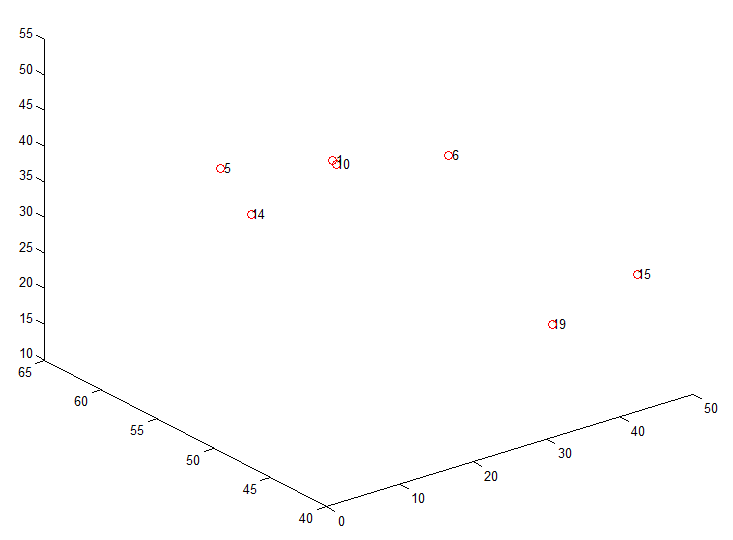
How to label each data point in a MatLab plot, like the following figure?
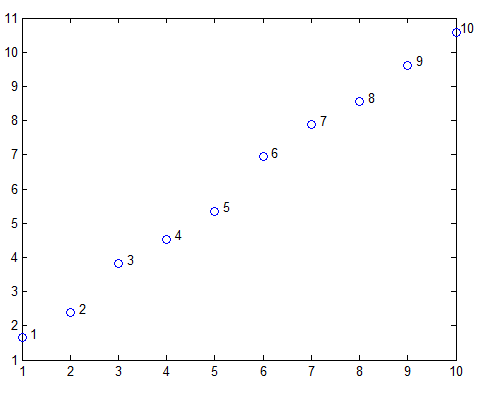
label data in MatLab plot
MatLab code:
x = [1:10];
y = x + rand(1,10);
figure('color','w'); plot(x,y,'o');
a = [1:10]'; b = num2str(a); c = cellstr(b);
dx = 0.1; dy = 0.1;
text(x+dx, y+dy, c);
In a recent fNIRS journal club (vedio recorded here), Dr. Tong talked about their work on the phase difference between oxy and deoxy Hb, and its relationship with participants’ age. This article is a demo of how to use Hilbert transform to calc
Update 2021/2/27: If you find griddata3 not working, try to change griddata3 to griddata. I was asked where to get nirs2img script. Here it is. The download link is at the bottom of this article. nirs2img is to create an image file from the input dat
2 Replies to “How to label each point in MatLab plot?”
Perfect answer, thank you
Thanks a lot. Your article helped me.