
TL; DR
AI Figure is a new advanced feature from Stork that enables researchers to generate scientific figures—including mechanism diagrams, tech roadmaps, cell pathways, workflows, molecular structures, and more. Figures can be iteratively refined and exported as fully editable SVG files.
We are pleased to introduce AI Figure, a new advanced feature from Stork. By describing an idea in natural language, you can generate high-quality scientific figures ready for submission within minutes.

How to Generate Scientific Figures
Visit the AI Figure page (https://www.storkapp.me/aifigure/app.php) and describe the figure you want to generate in the input box. The corresponding image will be generated automatically.
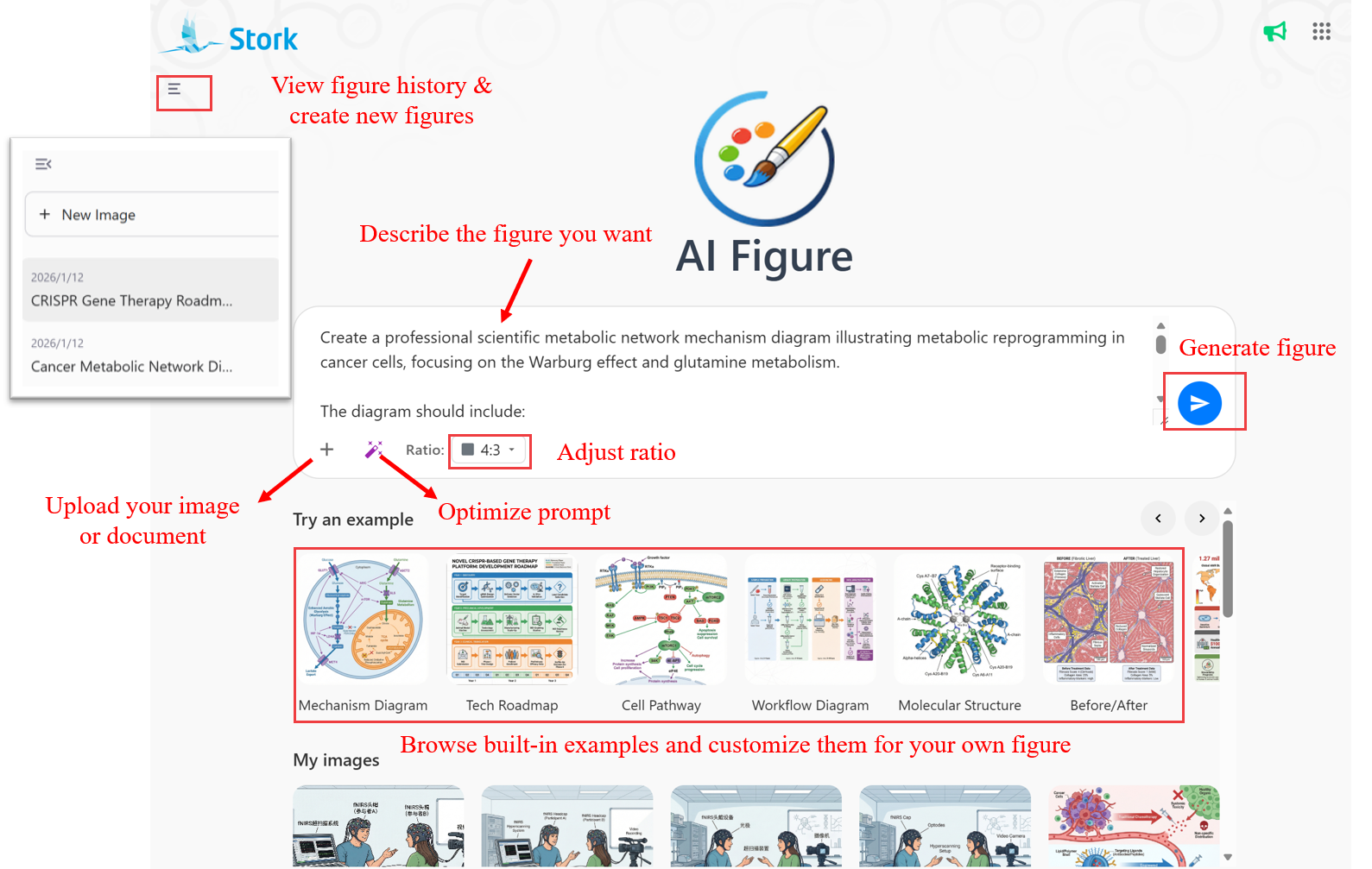
You can also:
-
Upload image or document: Click the “+” button to upload images or text in multiple formats. If it is difficult to describe a figure precisely, you can start with a rough sketch and let AI Figure refine it.
-
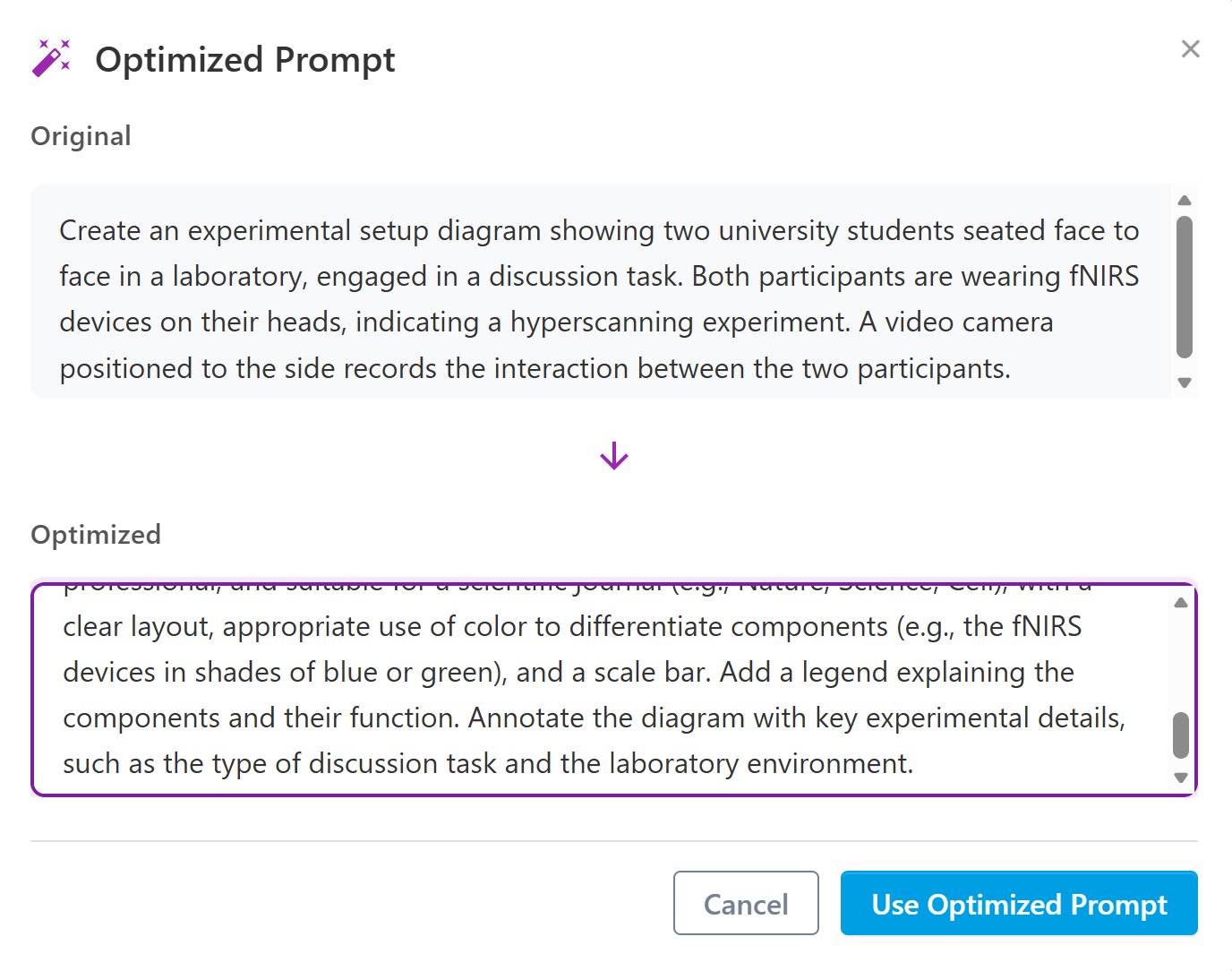
Optimize prompt: If the initial description does not produce the desired result, you can revise and improve it before regenerating the figure.
-
Adjust the aspect ratio: Figure dimensions can be adjusted as needed, covering most common size requirements.
-
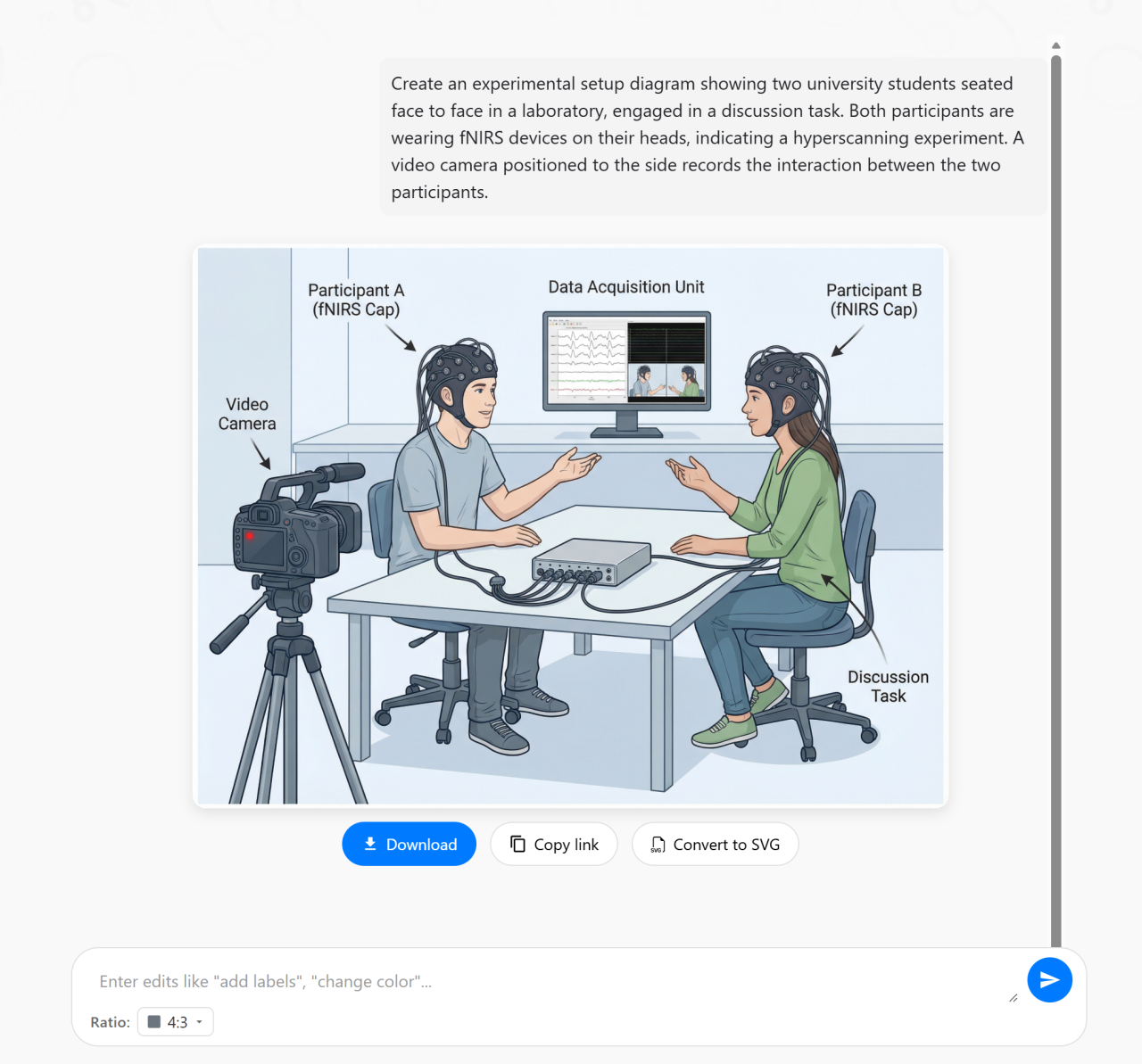
Further refine generated figures: After a figure is generated, you can continue refining it by providing additional instructions.
-
Download, copy link, or convert SVG: Generated figures can be downloaded, shared via a link, or exported as fully editable SVG files for further editing.
-
Try an example: AI Figure provides a set of common figure examples. Clicking on an example reveals a sample description that can be easily adapted to create a customized figure.
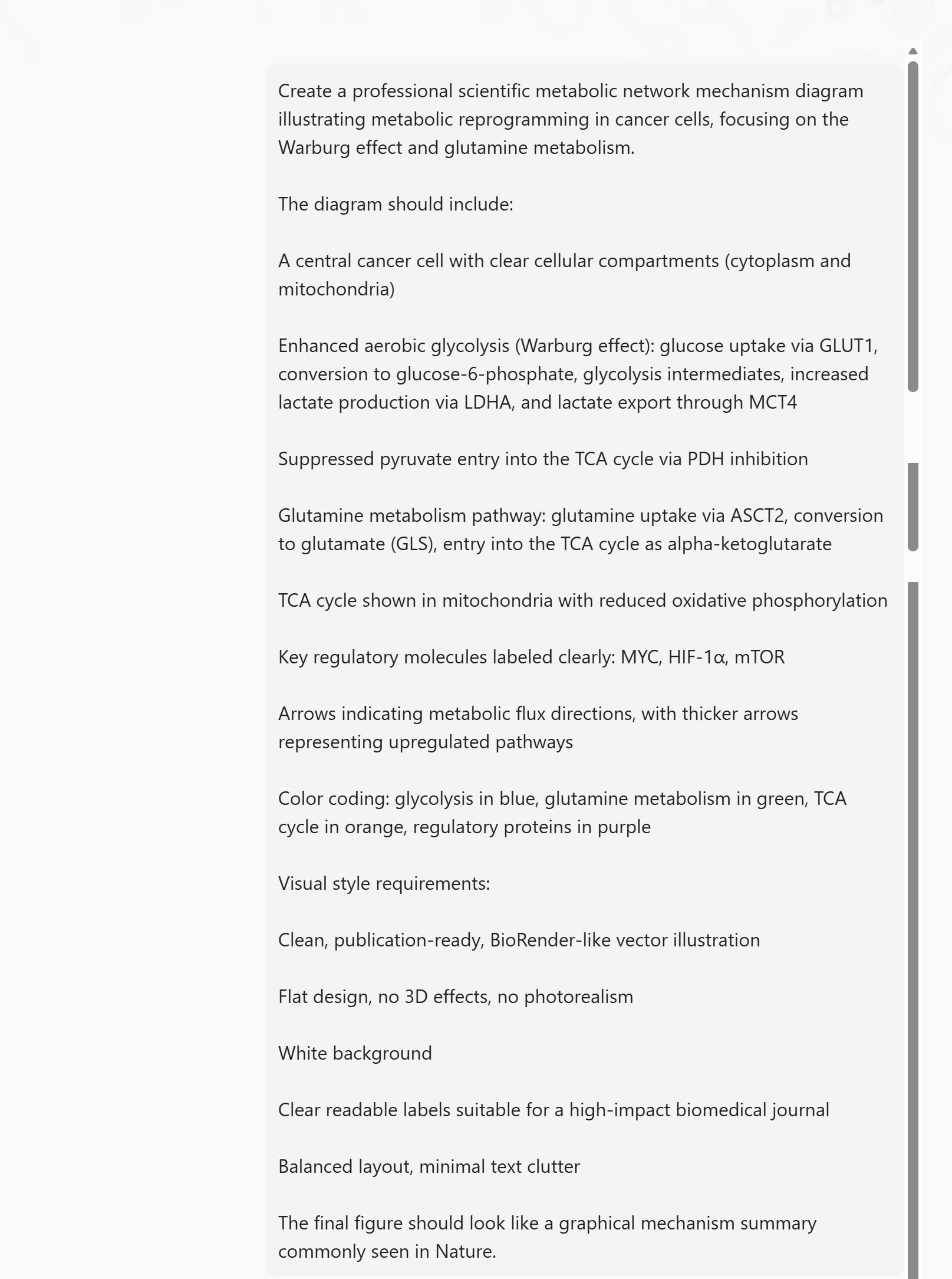
Mechanism Diagrams
AI figure helps create professional scientific mechanism diagrams showing metabolic pathways, signal transduction, disease mechanisms, and more. Clearly illustrate molecular interactions suitable for high-impact journal publications, allowing reviewers to grasp the core scientific story at a glance.
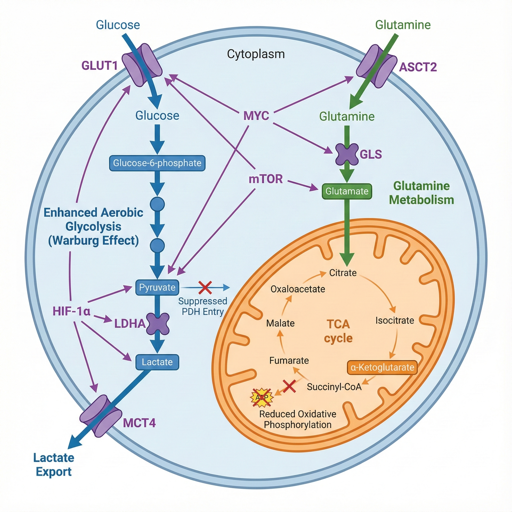
Tech Roadmaps
Whether for grant applications or project reports, a clear technical roadmap is critical. AI Figure helps visualize research phases, milestones, and timelines in a structured way, enabling reviewers to quickly understand the logic and innovation of your project.
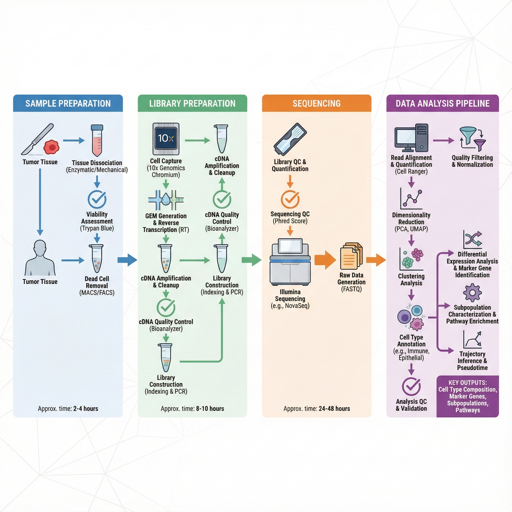
Workflow Diagrams
Including workflow diagrams in the methods section can greatly improve clarity and readability. AI Figure allows you to create clean experimental workflows that illustrate the complete process from sample preparation to data analysis.
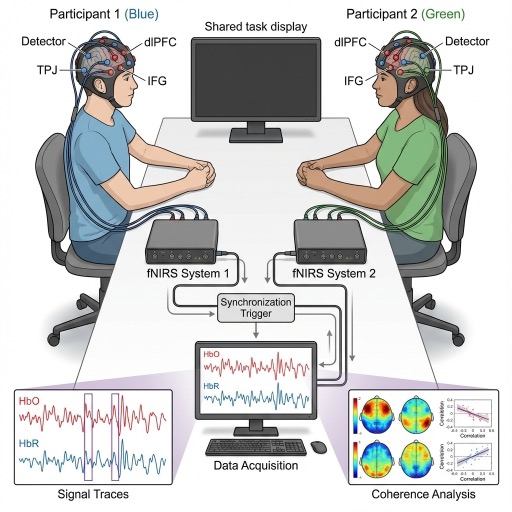
Experiment Setups
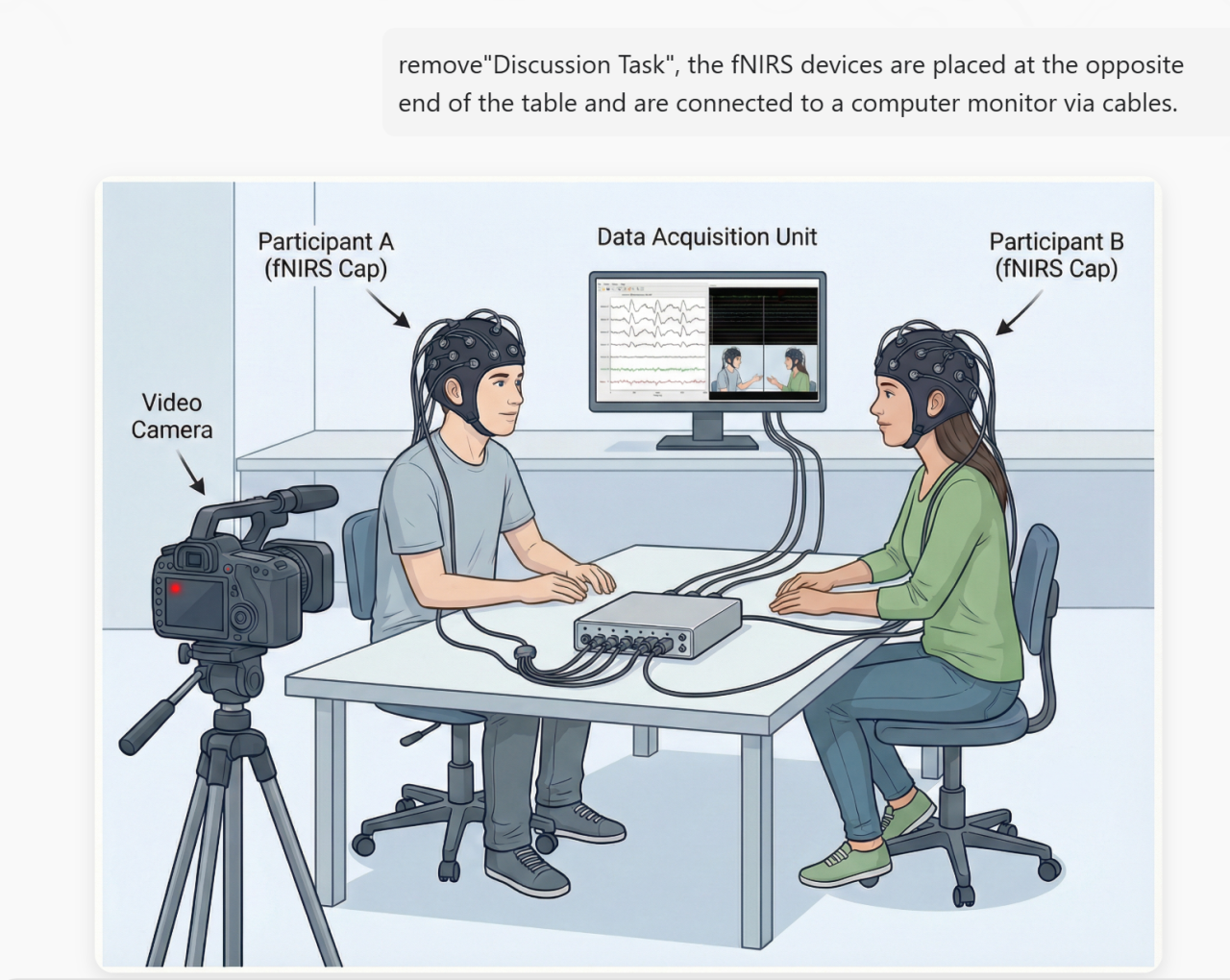
AI Figure can draw professional experimental setup diagrams showing equipment configuration, participant arrangements, and data collection workflows. Perfect for neuroscience, psychology, and experimental research.
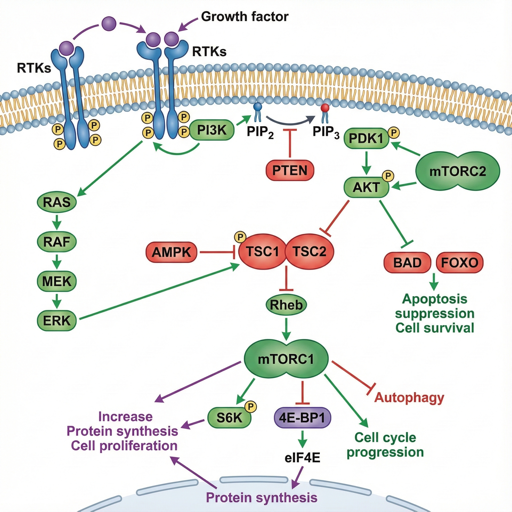
Cell Pathways
Classic pathways such as MAPK, PI3K/AKT, and Wnt often need to be customized to highlight study-specific mechanisms. AI Figure provides pathway templates that can be quickly adapted.
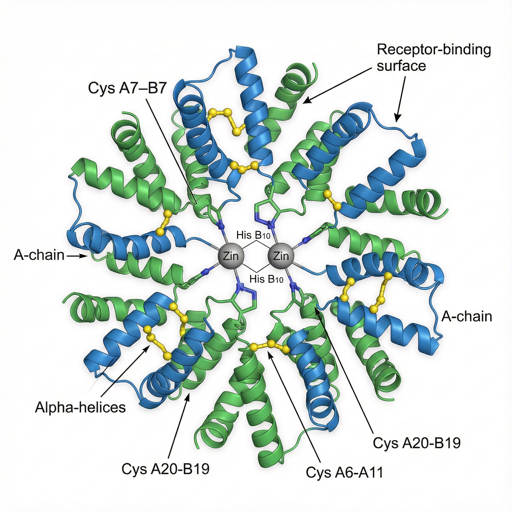
Molecular Structures
There is no longer a need to rely exclusively on specialized software. AI figure can generate high-quality 3D molecular structure illustrations showing proteins, DNA, small molecules, and their conformations. Supports ribbon diagrams, ball-and-stick models, and more.
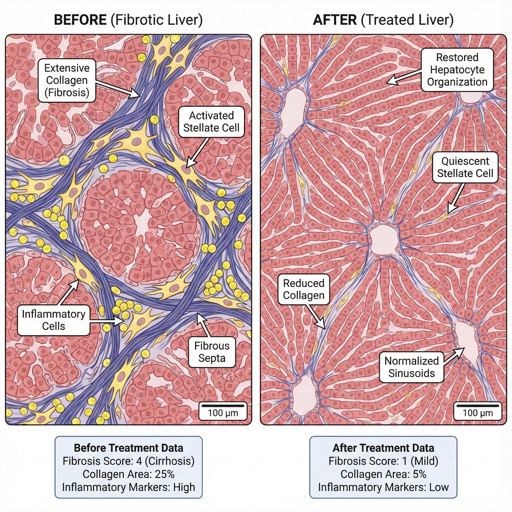
Before/After Comparisons
AI Figure enables the creation of professional before-and-after comparison figures to illustrate changes in treatment outcomes or experimental results. Ideal for clinical studies and basic research presentations.
Infographics
When preparing materials for science communication, public health outreach, or conference posters, researchers often need figures that are both information-dense and visually accessible. AI Figure transforms complex data into structured, visually engaging infographics.

Graphical Abstracts
AI Figure creates beautiful graphical abstracts for your research papers, summarizing your study in one compelling image. Perfect for journal table of contents and social media sharing.
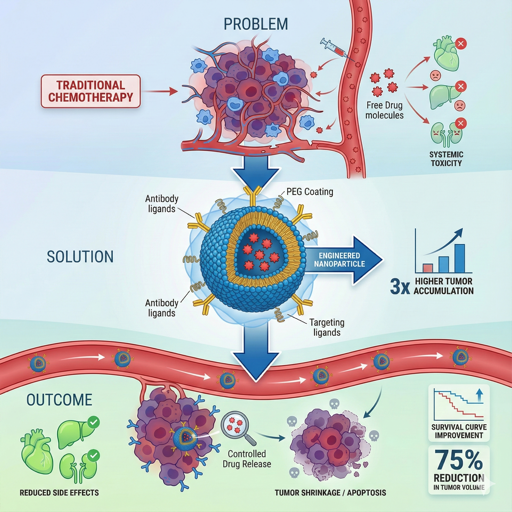
Scientific research is demanding, and figure creation should not be a bottleneck in communicating your work. We hope AI Figure can become a reliable choice for scientific figure creation—so you can focus on defining the questions, while the visual work is handled with care. Give it a try!
How to Use
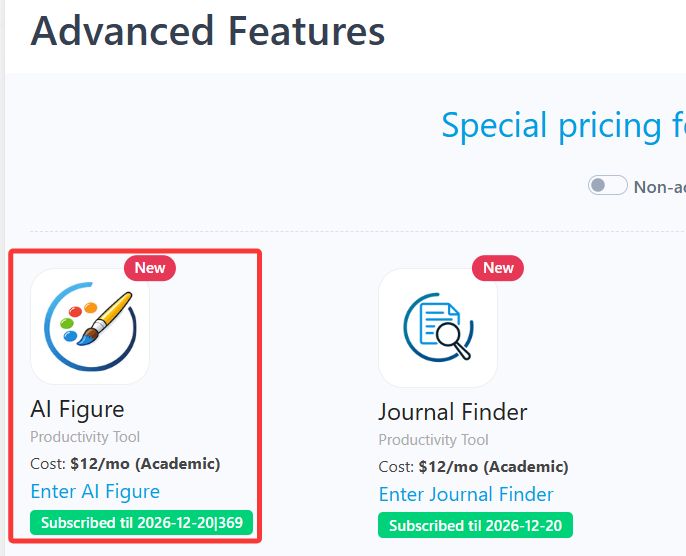
AI Figure is an advanced feature offered by Stork, which requires subscription (registered users can try 10 figures for free). After registering/logging in to Stork (https://www.storkapp.me), you can find AI Figure under the advanced features section. Then you can try it out or subscribe. Alternatively, you can visit the official AI Paper website directly at https://www.storkapp.me/aifigure/app.php
写作助手,把中式英语变成专业英文
AI writing papers with real references