
TL; DR
Writing Assistant now provides better rewrites, and more varied alternatives. Custom instructions are followed more accurately, and longer responses are no longer cut off. We’ve also fixed an issue where some rewriting requests in other languages returned no result.
Revising a paper often means working through several versions of the same sentence, especially if you’re not writing in your first language.
Writing Assistant helps with these everyday revisions. We recently updated its models and fixed several issues to provide better rewrites, more varied alternatives, more consistent grammar checks, and more accurate responses to custom instructions.
Here’s what has changed.
-
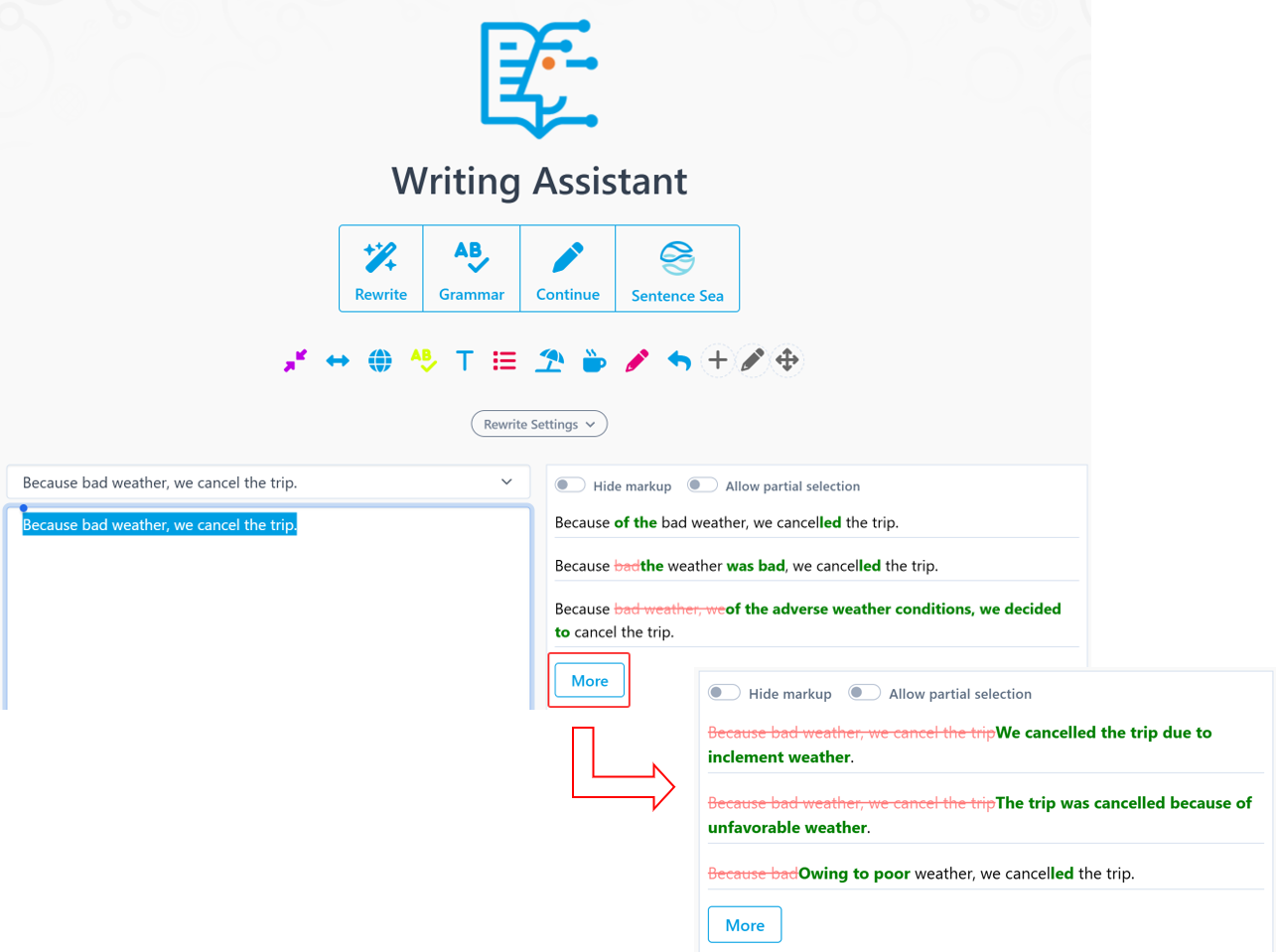
More alternatives when you request another batch
Sometimes you need to compare a few versions before finding one that fits.
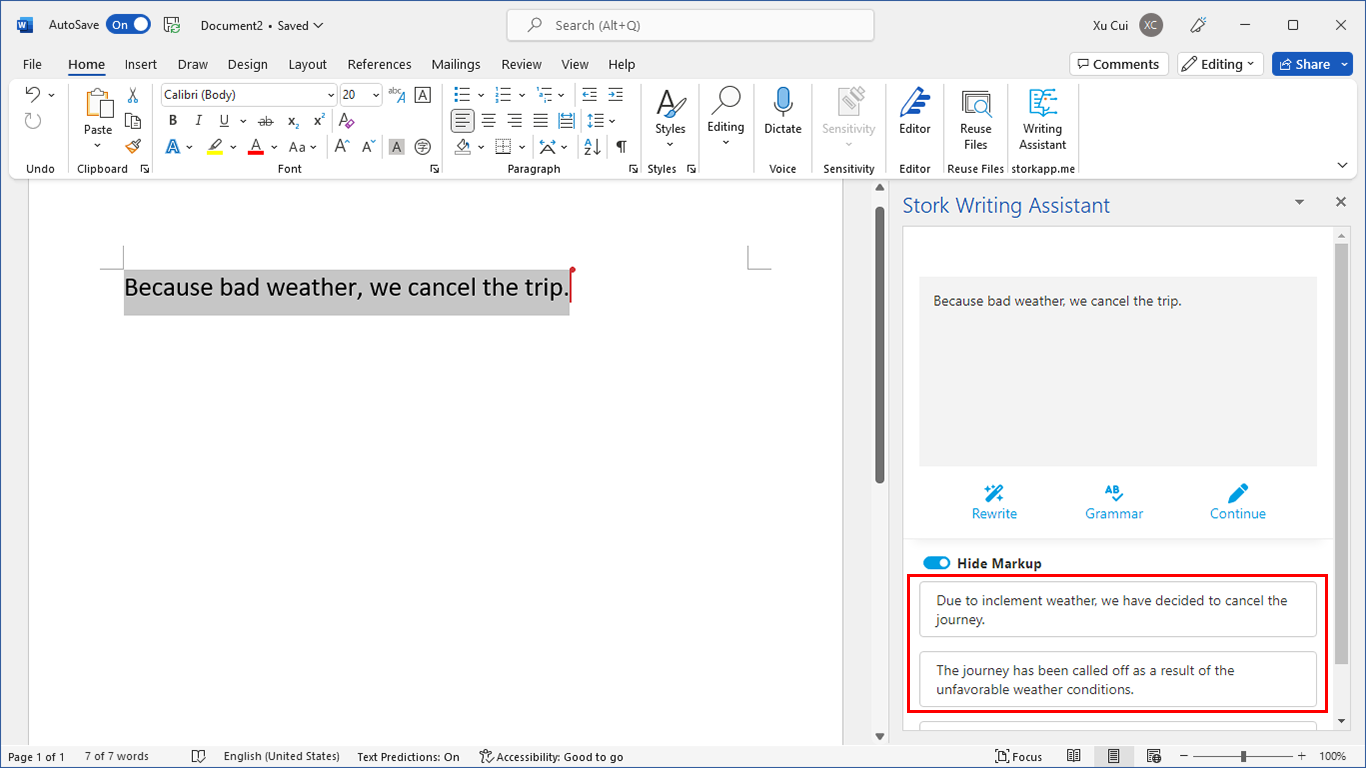
Previously, asking for another batch could give you suggestions that were pretty similar to the last ones. Now, each new batch offers different wording. If the first set doesn’t quite work, you can try another.
Both the web version and the Word add-in have been updated. The update takes effect automatically the next time you open the add-in.
-
Better results with Rewrite
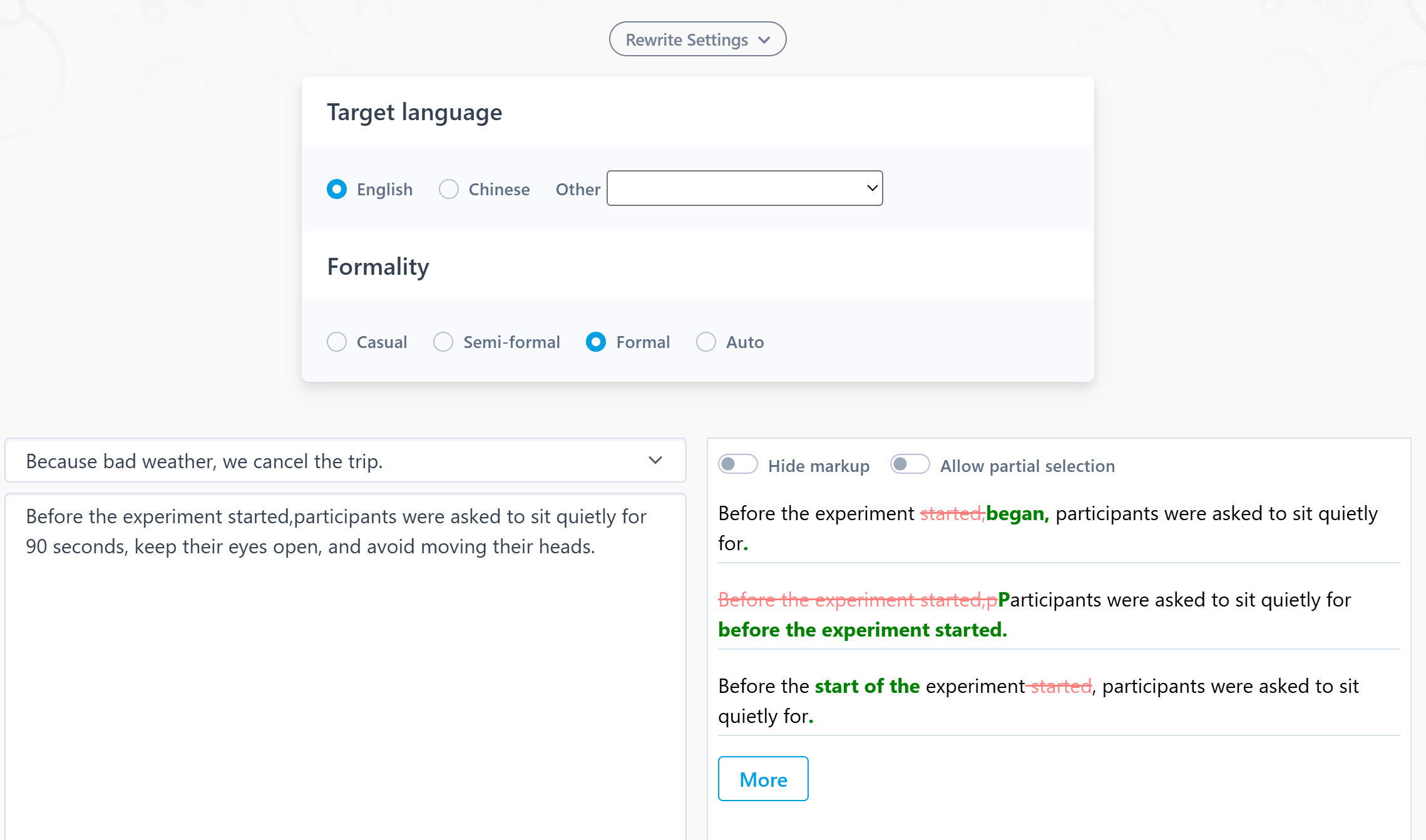
Rewrite helps you rephrase and polish text in English and other languages.
In blind tests, new model gave better results and was more consistent about offering two or three different versions.
We’ve also fixed some rewrites that didn’t fit academic writing. For example, a sentence describing what you did in an experiment could turn into an instruction telling the reader what to do. We’ve fixed this so you have less to adjust afterward.
-
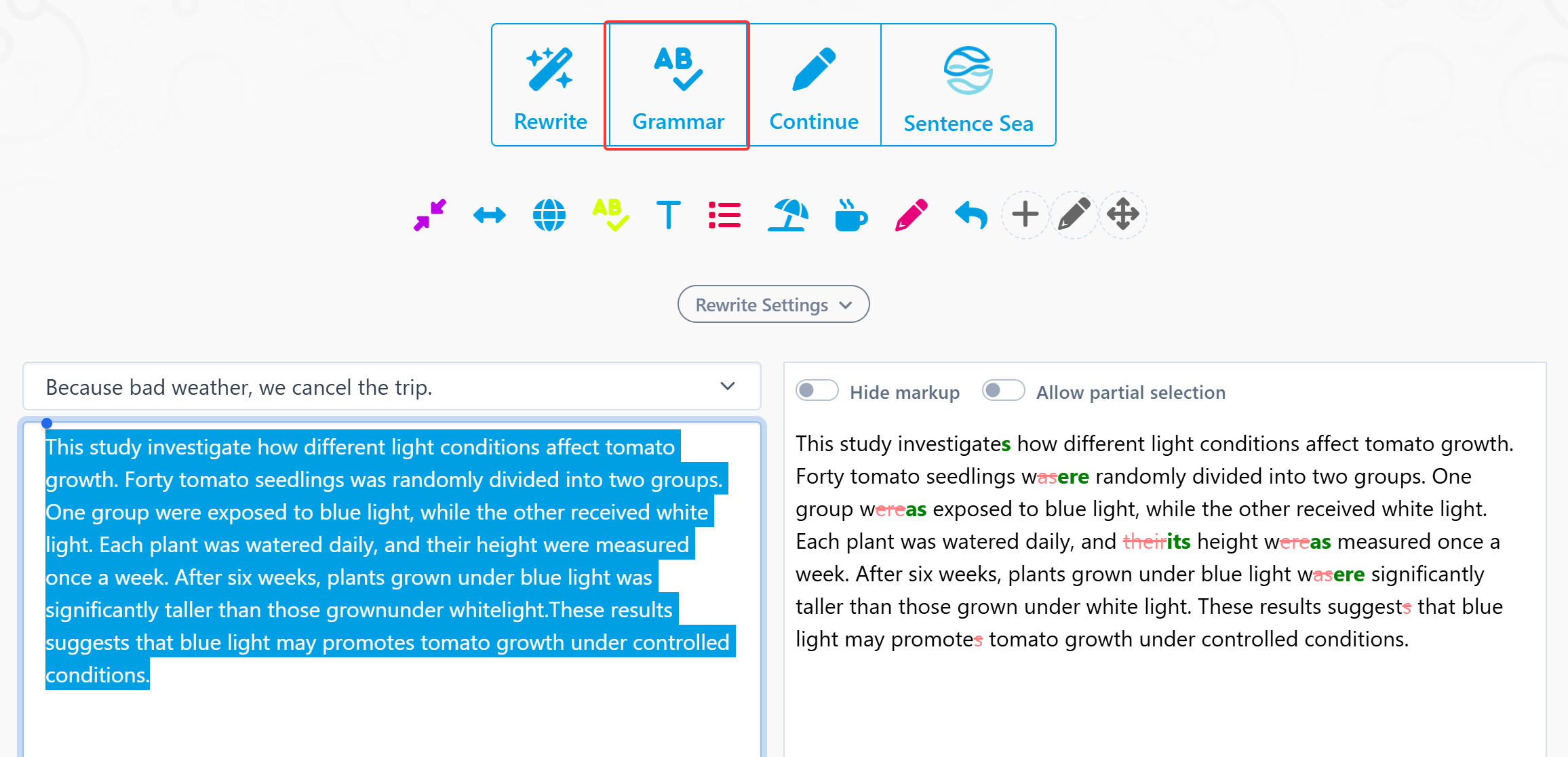
More consistent response times for grammar checks
Checking a sentence and then getting back to writing should be simple. But when the wait varies from one check to the next, it can break your flow.
With the updated model, response times are more consistent. You’ll usually get a result within 1–3 seconds.
-
More accurate responses to custom instructions
Need to shorten a paragraph? Explain a point in more detail? Make a specific change to your wording?
You can ask for these changes through custom instructions.
Writing Assistant now follows your requests more closely. Longer results, such as expanded passages, also no longer get cut off halfway through.
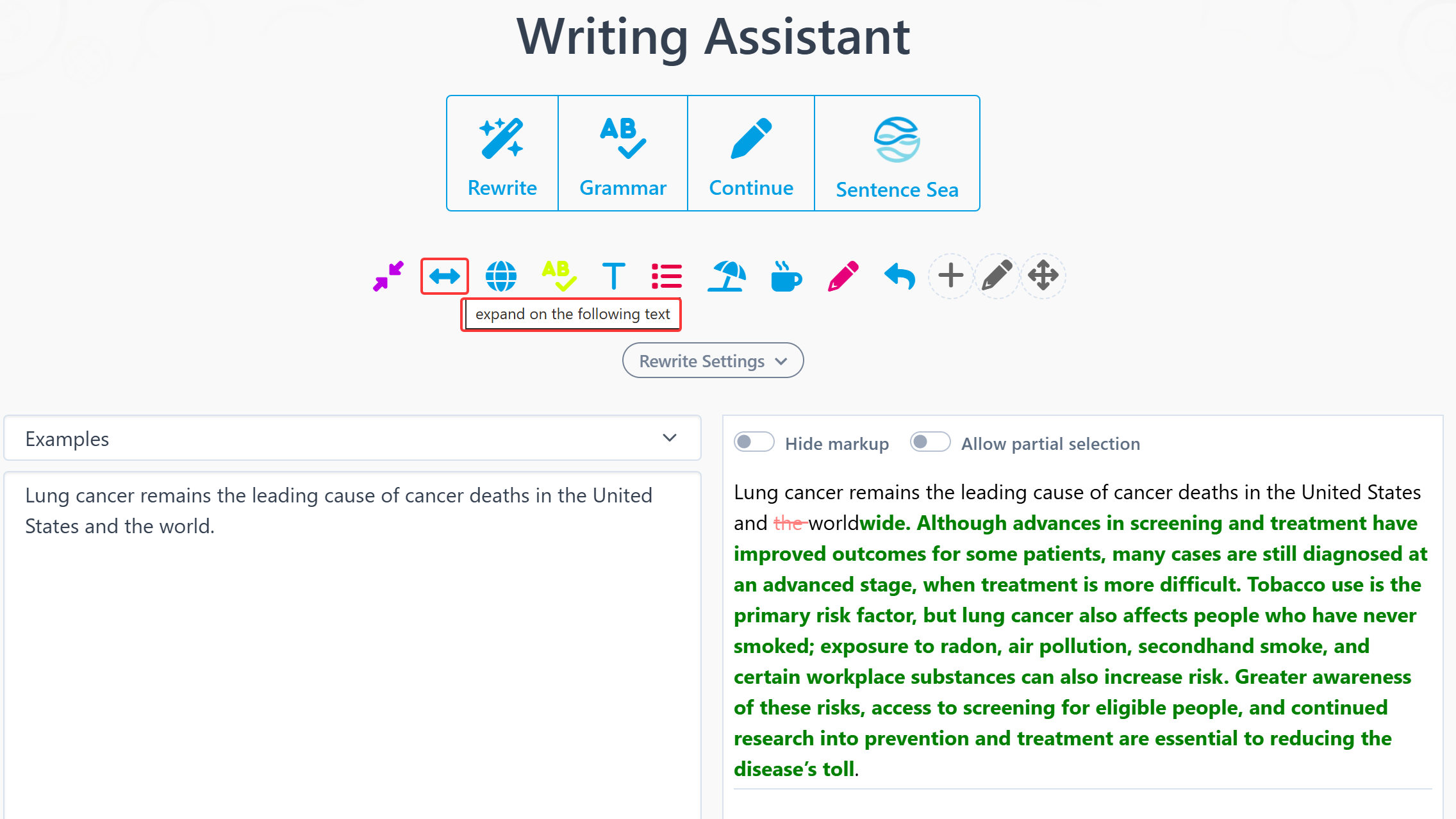
Try the updated Writing Assistant on a paper you’re working on.
If a rewrite doesn’t fit, or the result isn’t what you asked for, please send us the original text, your prompts, and the result. Seeing these examples helps us understand what went wrong and improve the tool.
【How to use】
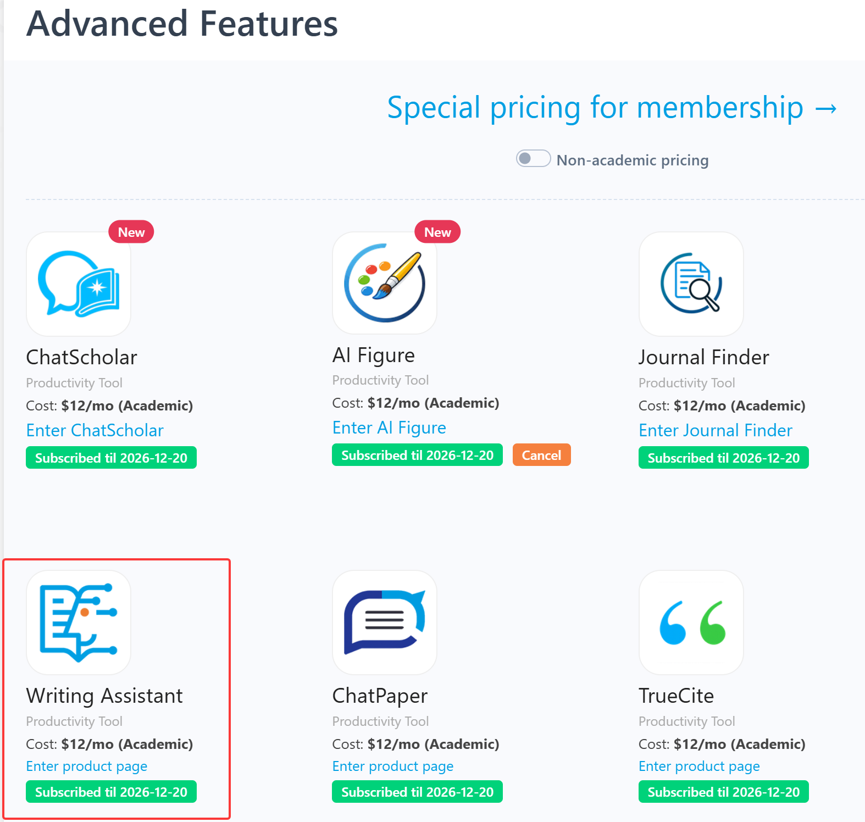
Writing Assistant is an advanced feature offered by Stork (free trial is available). After registering/logging into Stork (https://www.storkapp.me), you can find Writing Assistant under the "Advanced Feature" section. Then you can try it out or subscribe. Alternatively, you can visit Writing Assistant website directly at https://www.storkapp.me/writeassistant/.


写作助手,把中式英语变成专业英文
AI writing papers with real references