Return to table of contents
CSS is very convenient to control the appearance of the user interface. Let’s see the following code snippet inside employeedirectory.css too see how to use styling.
.appHelpButton
{
 up-skin: Embed("/embed_assets/titlebar/help_up.png");
 over-skin: Embed("/embed_assets/titlebar/help_over.png");
 down-skin: Embed("/embed_assets/titlebar/help_over.png");
}
This snippet creates a style called appHelpButton. It defines how the button will behavior when the mouse is over or clicked on the button.
To use this style, ED includes the following code in employeedirectory.mxml
<mx:Style source="employeedirectory.css" />
And in TitleControls.mxml where the application help button is defined, style appHelpButton is used:
<mx:Button styleName="appHelpButton" click="dispatchEvent( new Event('showHelp') )" />

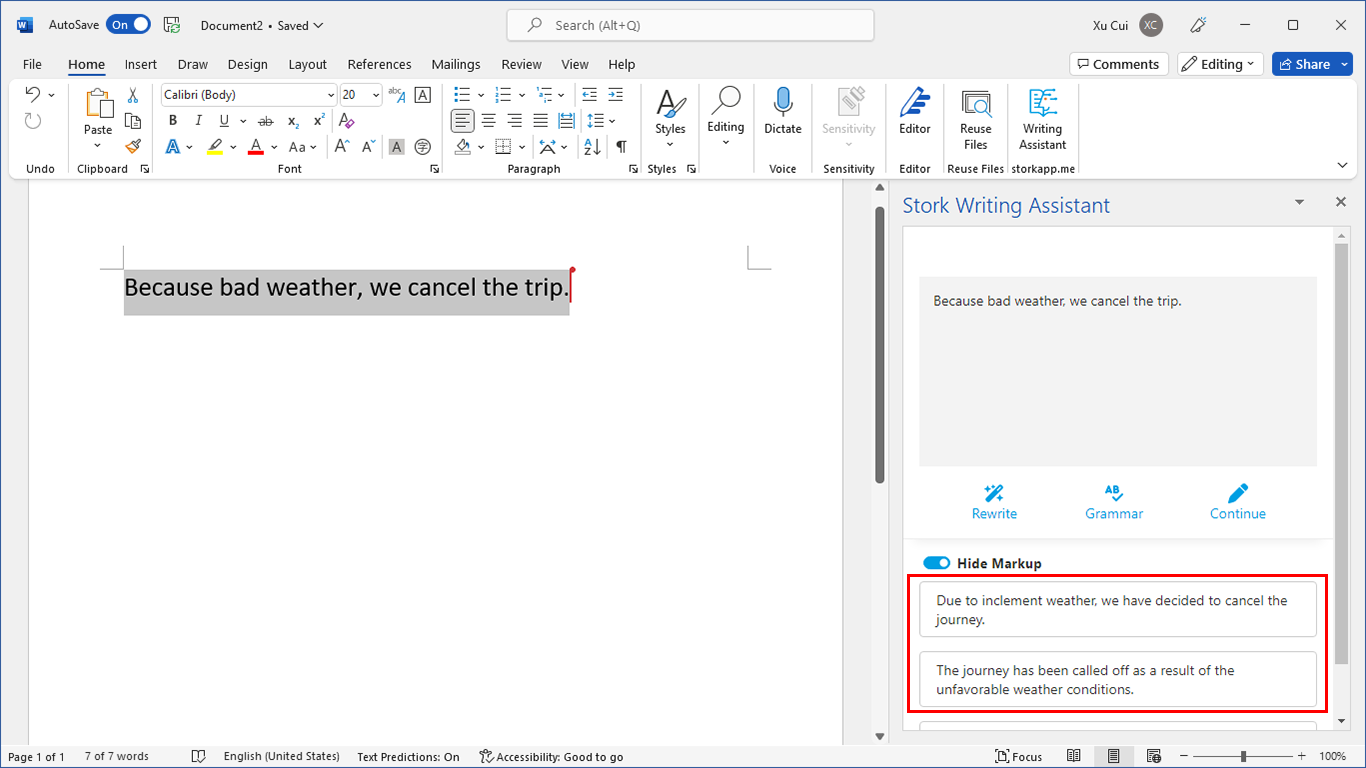
写作助手,把中式英语变成专业英文
AI writing papers with real references