Stork has an update and we need to send an email to our users. In the email we wish to show a super short video demonstrating the new feature. However, embedding video in email can be complicated. A GIF picture will be much easier for users to consume.
So first, we use https://screencast-o-matic.com/ to record a very short video demonstrating the new feature. It’s only a few seconds. Then we use the same program to cut unnecessary frames. Then we save to a local file (mp4 format).
Next, we use https://ezgif.com/maker to convert the video to GIF. It’s fairly quick for such a small video.
In the end, it looks like the following:
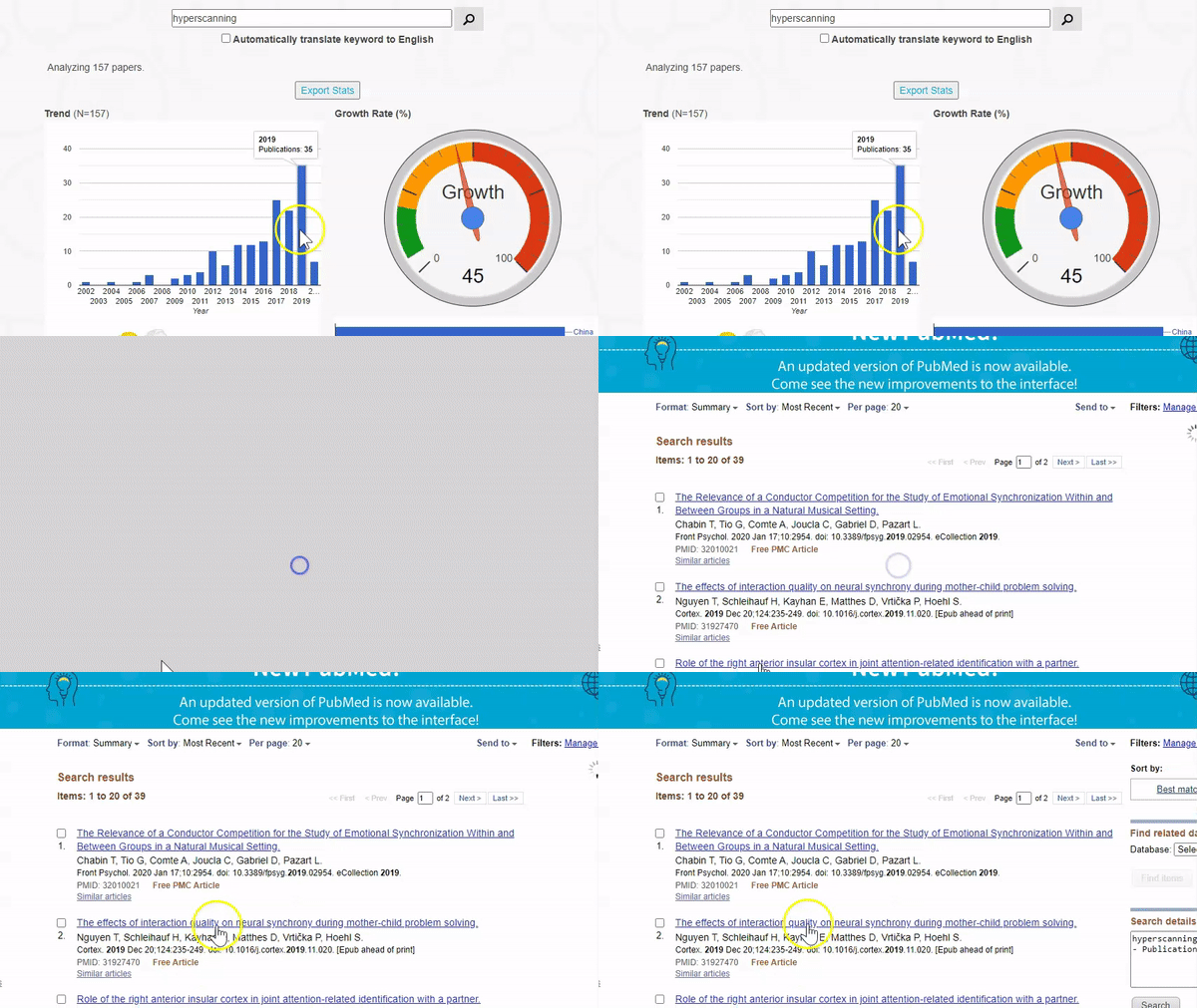
In case you wonder what the update is about, here is the full email:
We are excited to let you know that we just updated Big Analysis. A lot of users told us to show the associated citation list when clicking the result. This update is precisely to address this feedback. Now when you click, say the bar of 2019 in the trend graph, Stork will show the list of 2019 citations in PubMed in a separate tab. You may try it now: https://www.storkapp.me/meta/
Update 2020/11/19
Sometimes you need to overlay an GIF image to a still image which has a better quality. You may use a free online tool called https://www.photopea.com/. A tutorial is here: https://www.photopea.com/tuts/add-gif-into-a-still-image/

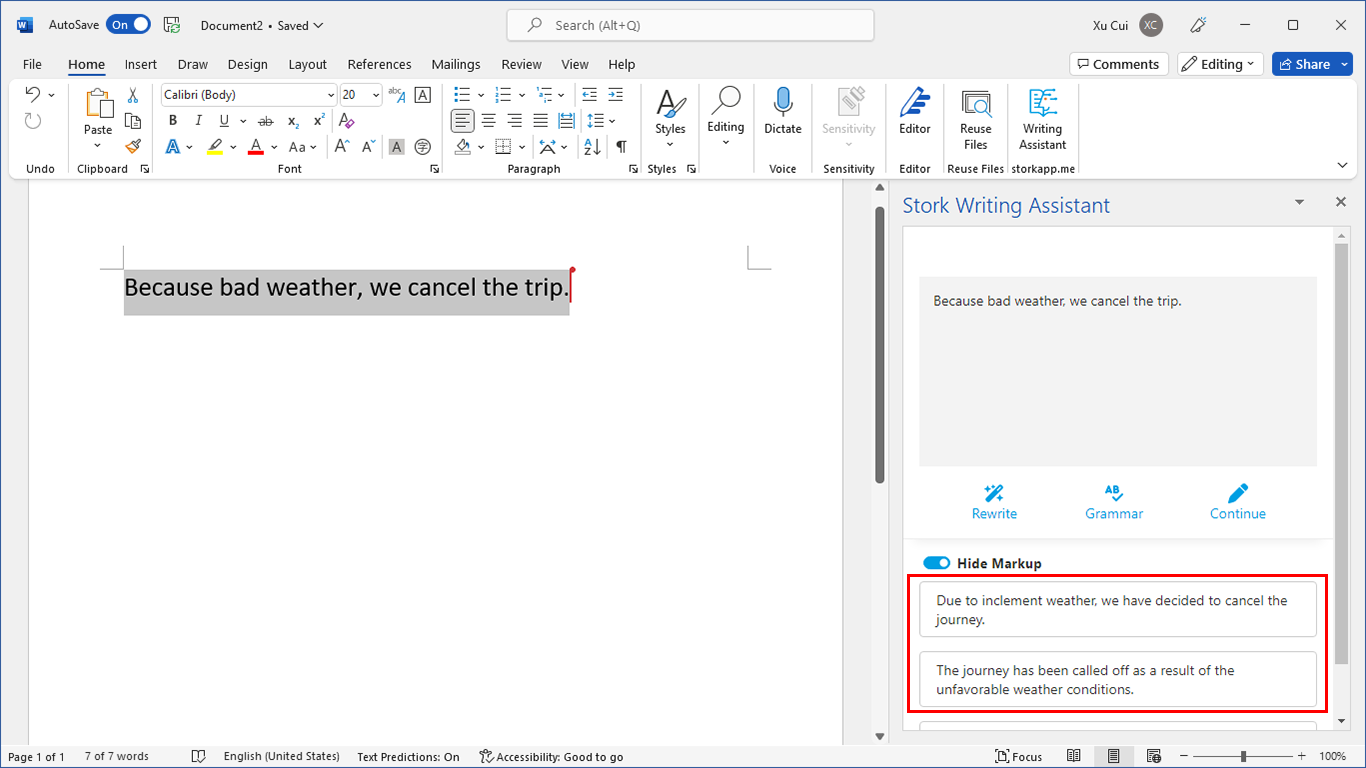
写作助手,把中式英语变成专业英文
AI writing papers with real references