
TL; DR
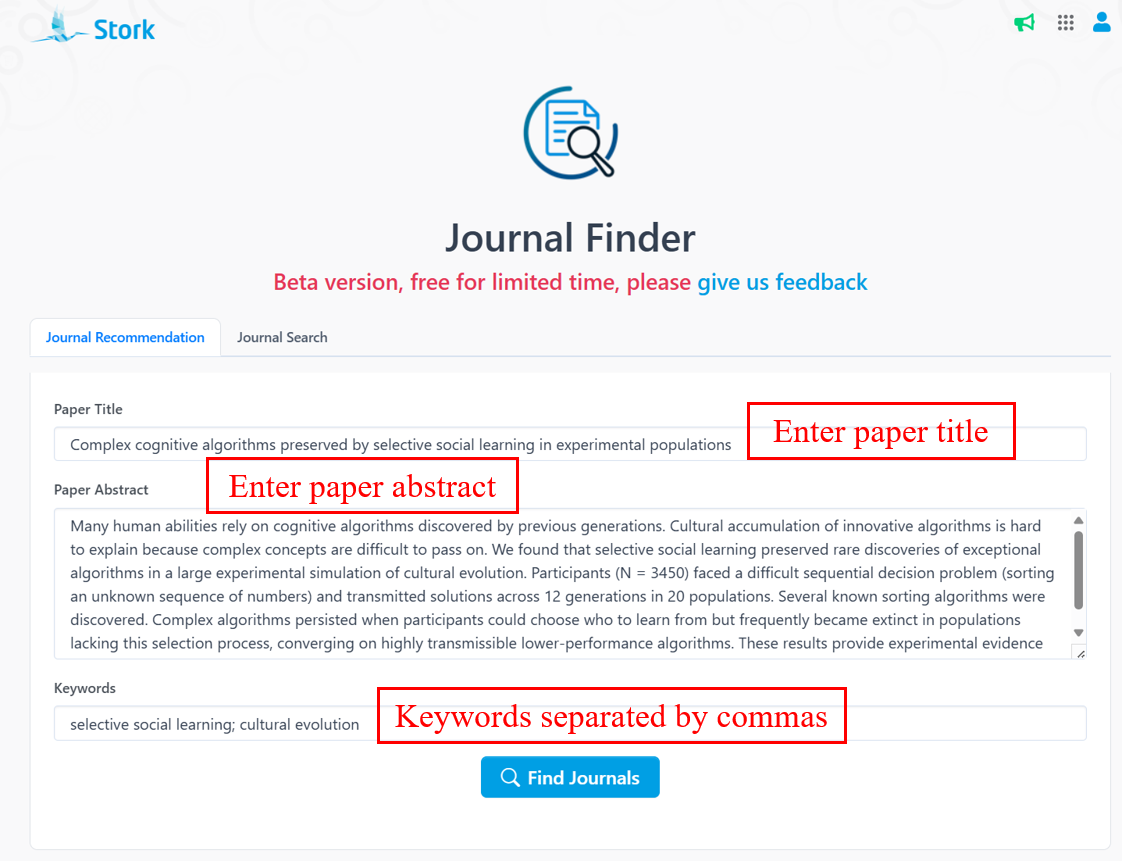
Just enter your paper title, abstract, and keywords, and our Journal Finder will recommend suitable journals for your paper—along with detailed information like: Relevance score, JCR zone, OA status, Average publications per year and Average days to accept.
The struggle is real:
"I finished my paper—now where should I submit it? "
"Got rejected again… what other journals might work?"
Turns out, finishing the paper is only half the battle. Finding the right journal is always a challenge.
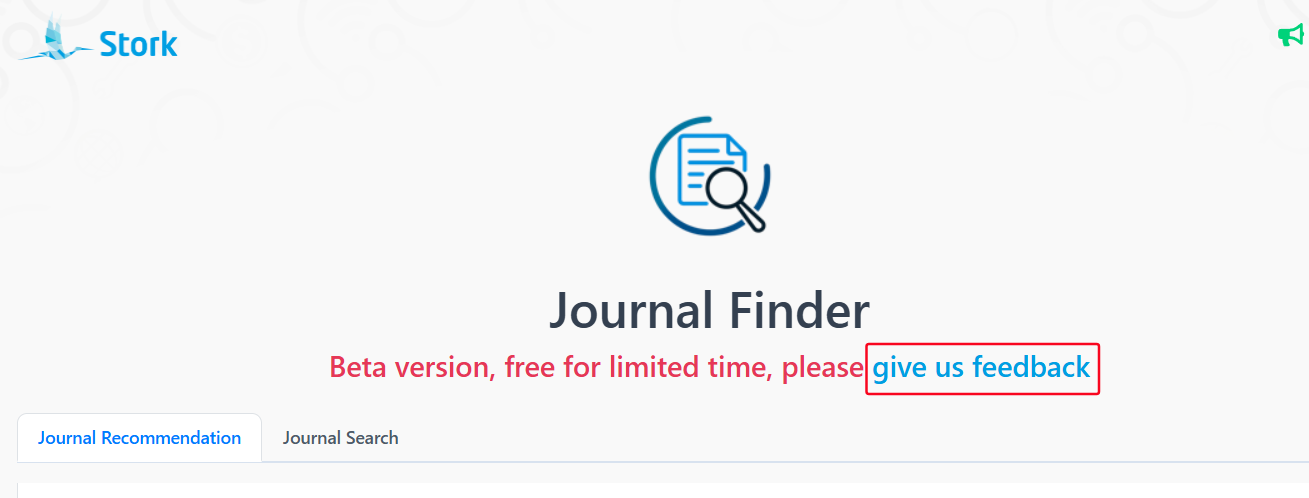
To save you from endless second-guessing, we created Journal Finder—a tool that helps you quickly identify journals that fit your work.
Our tool has two modes:
1. Journal Recommendation
Enter your title, abstract, and keywords, and the Journal Finder will recommend a ranked list of relevant journals. You'll see Relevance score, JCR zone, OA status, Average publications per year and Average days to accept. Click on journal names to visit their official sites directly!
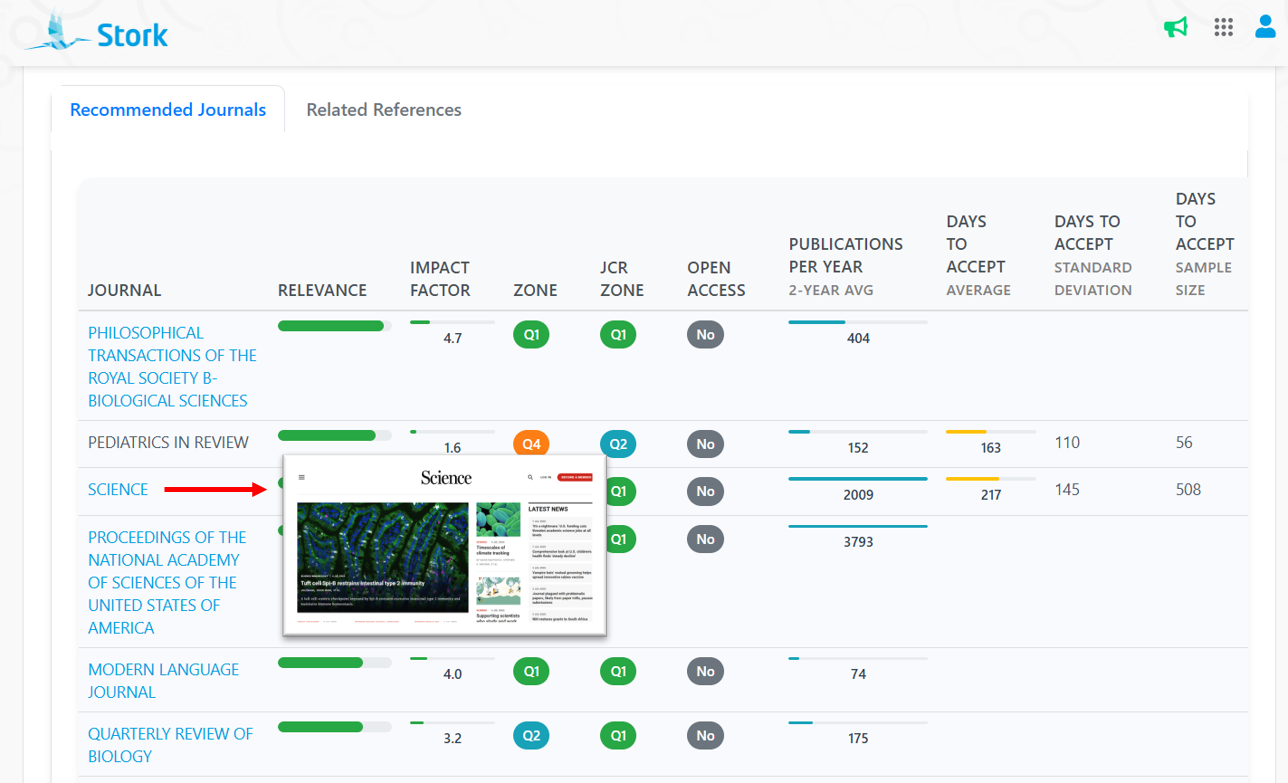
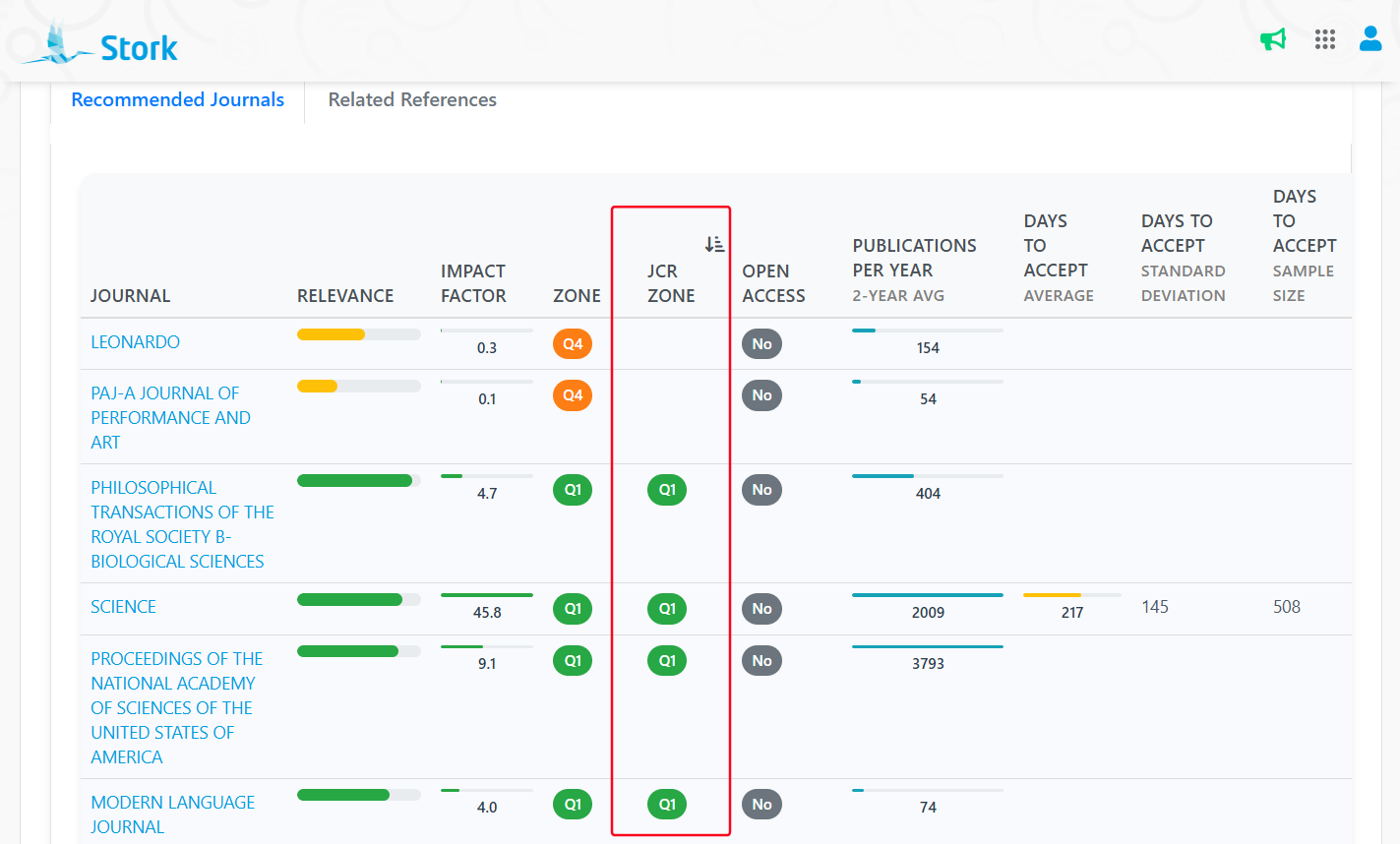
The recommended journals are initially ranked by how closely your abstract aligns with each journal's aims and scope. You can also re-sort the list by JCR Zone or other metrics if needed.
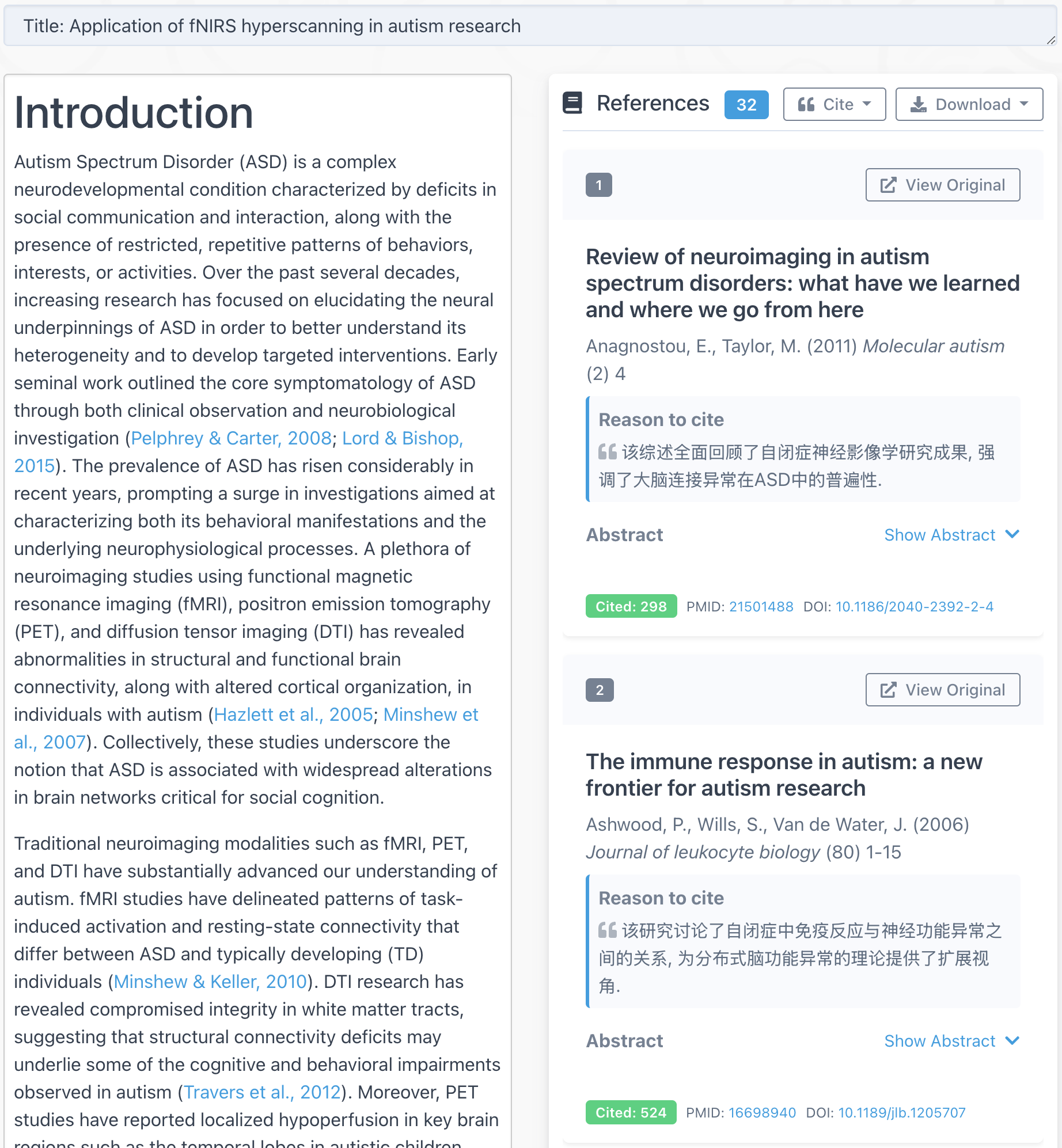
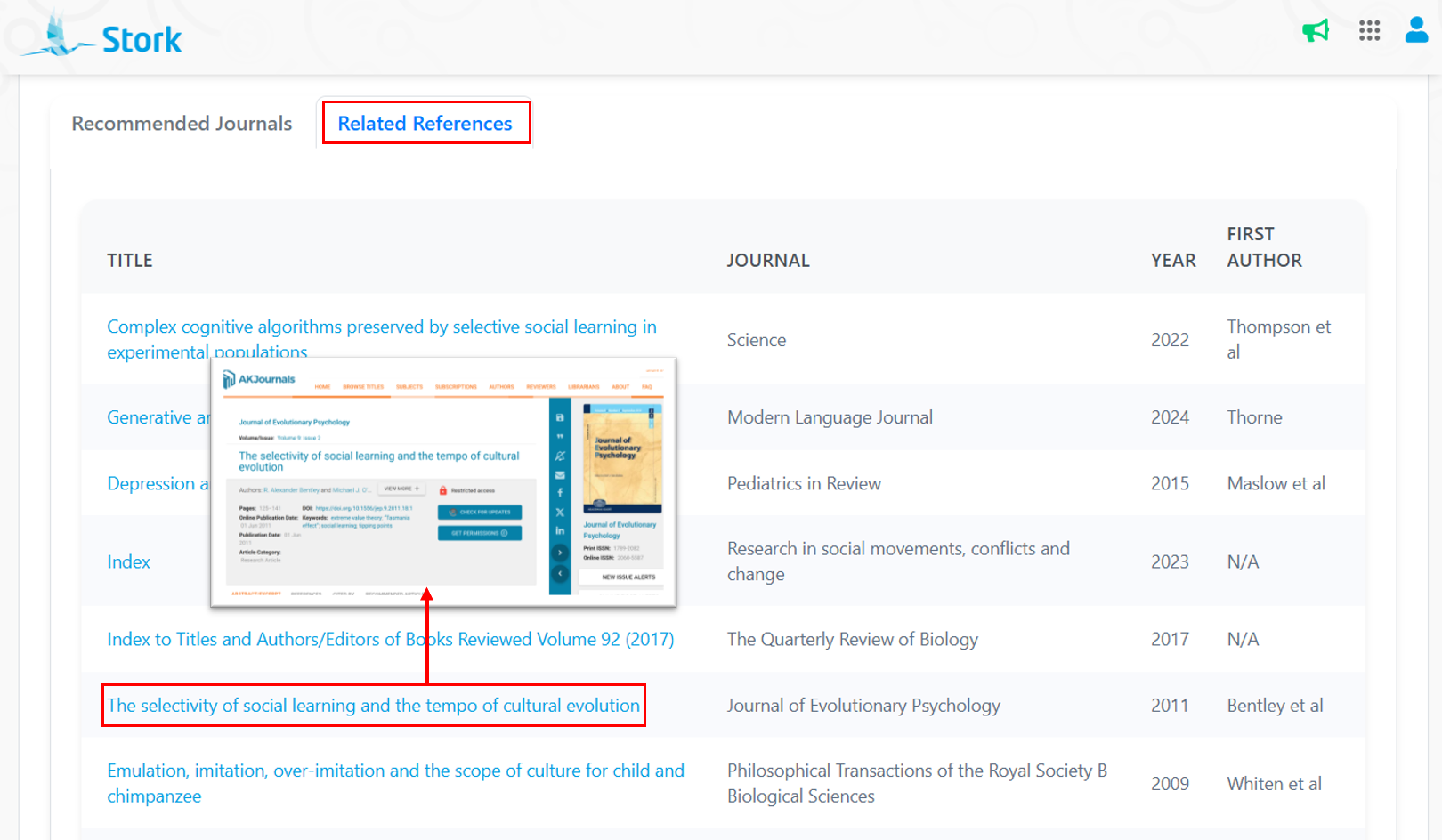
Click "Related Reference" to see papers similar to yours.
2. Journal Search
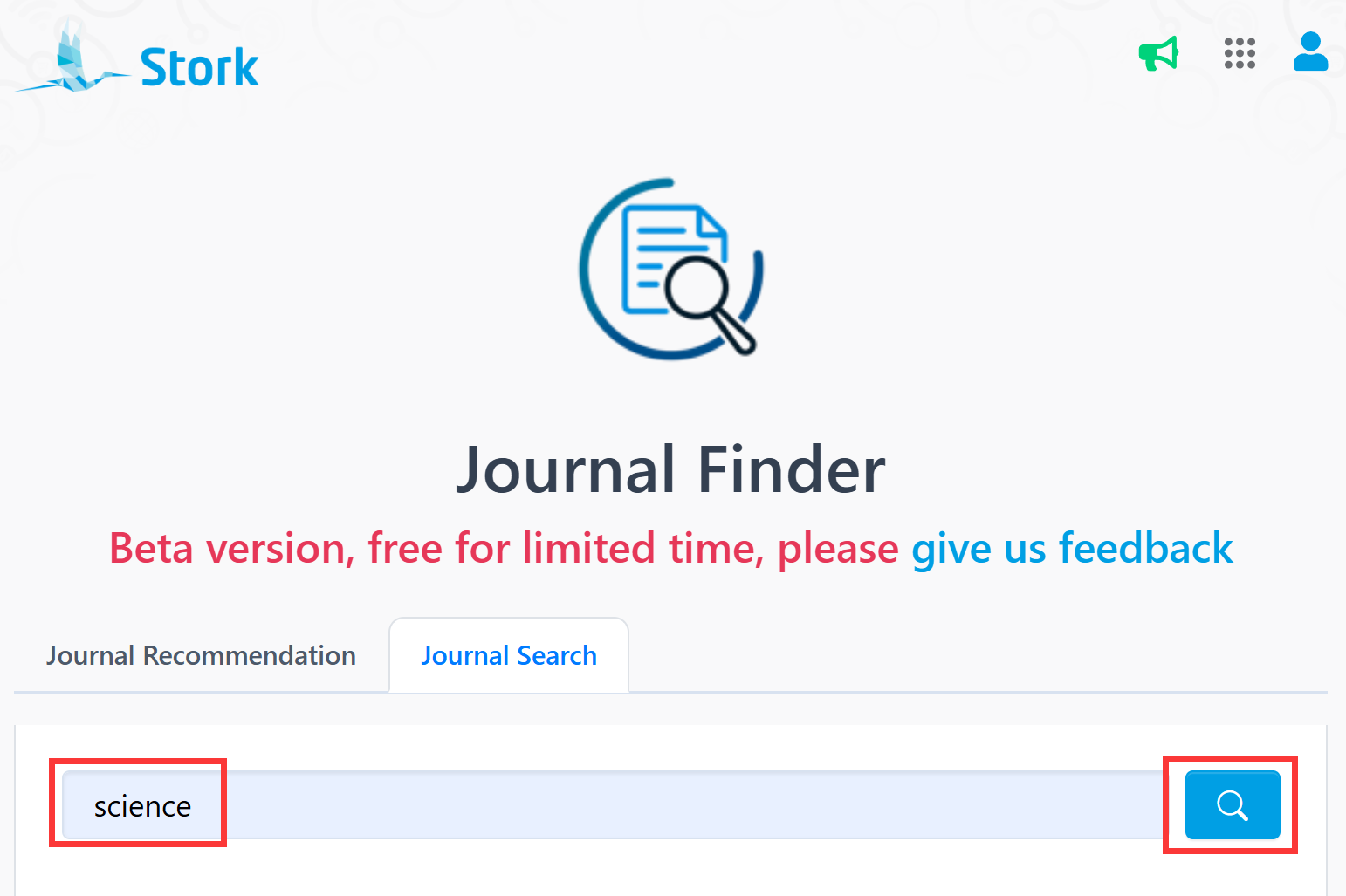
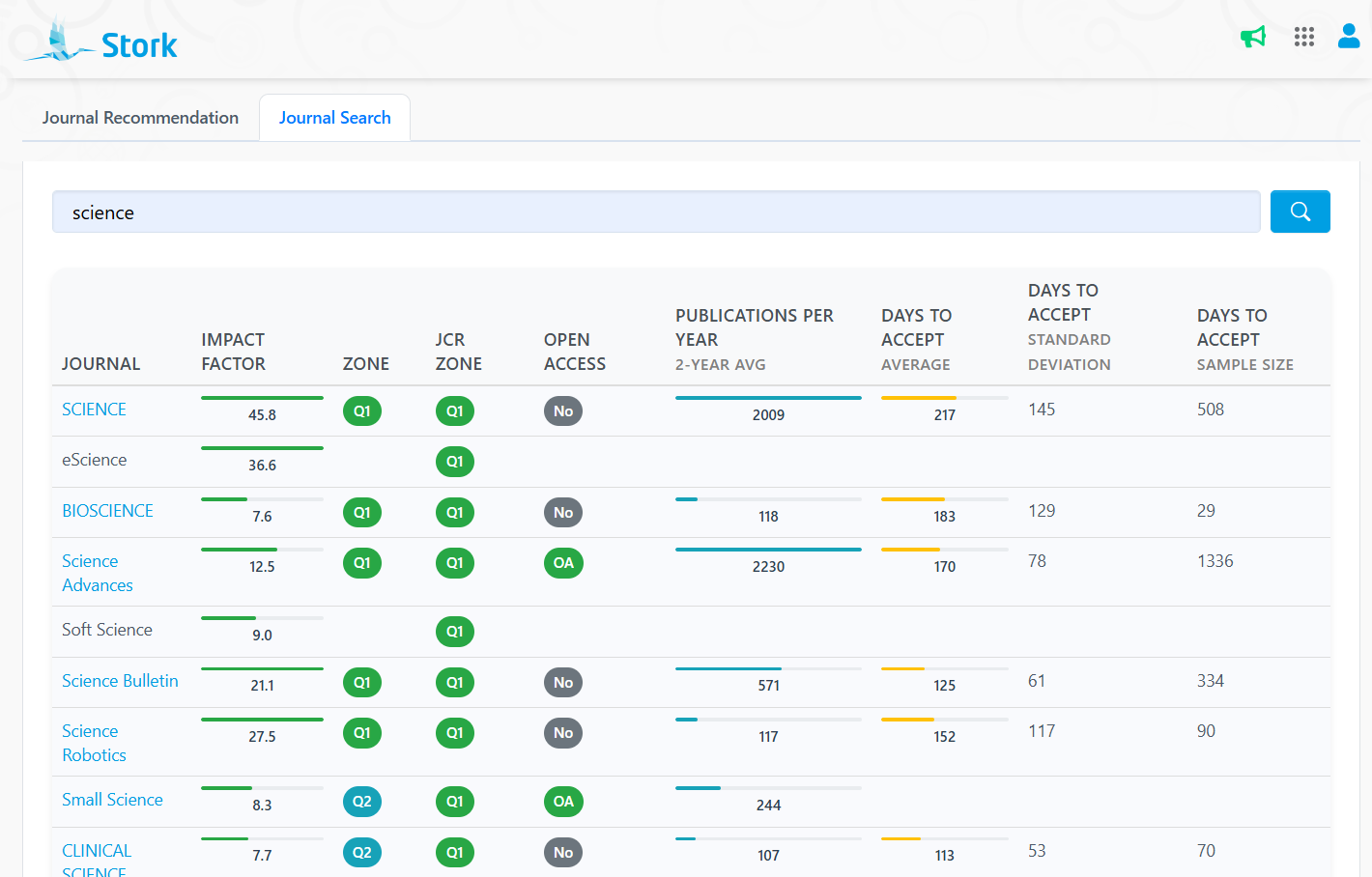
Even if you're not submitting right now, you can search for any journal by name to view its key metrics.
This feature is especially helpful for:
-
PhD students & early-career researchers who are new to the journal landscape
-
Cross-disciplinary author who aren't sure which journal fits best
-
Clinician-researchers with limited time for journal scouting
-
Anyone with specific ranking requirements (e.g., for funding or promotion)
-
Those in a hurry to publish, who want to check average turnaround time
Let Journal Finder take care of the journal hunt—so you can focus on writing great paper.
Journal Finder is an advanced feature offered by Stork (free trial is available). After registering/logging into Stork (https://www.storkapp.me), you can find Journal Finder under the "Advanced Feature" section. Then you can try it out or subscribe. Alternatively, you can visit Journal Finder website directly at https://www.storkapp.me/aijournal/.
We're still in beta and free to try, a we'd love your feedback!
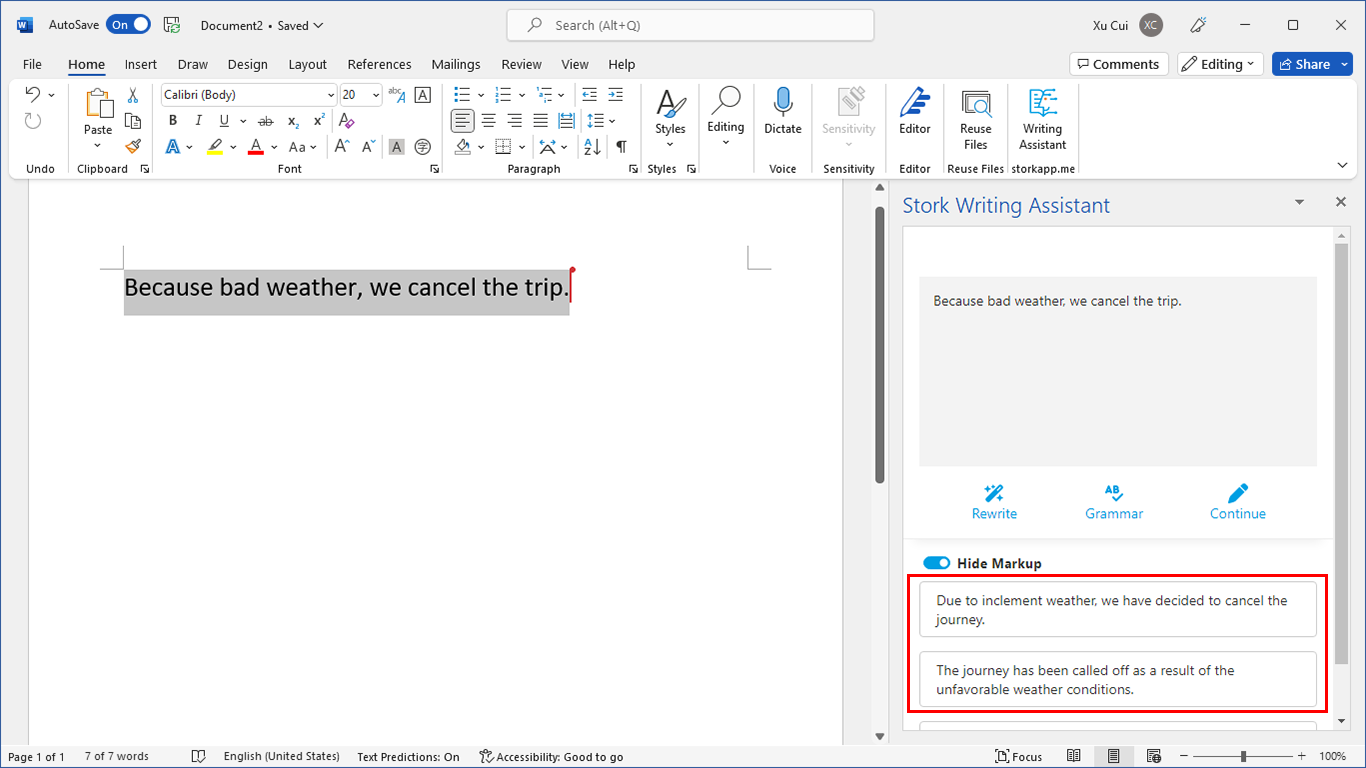
写作助手,把中式英语变成专业英文
AI writing papers with real references