
TL; DR
ChatPaper now allows you to create mind maps. They help you quickly grasp a paper's main points.
Studies show that mind maps help people organize ideas, make sense of complex information, and reduce mental effort. Many researchers also like to draw mind maps when reading papers.
But creating a mind map by hand takes a lot of time. You read the paper, mark the key ideas, reorganize everything, and then draw the structure from scratch. Sometimes it even feels tougher than reading the paper.
Now, ChatPaper can take over this step for you. With the new update, it automatically creates a mind map for any paper you upload. No extra tools, no manual drawing—the paper's logic just shows up right in your reading view.


Go to the ChatPaper website (https://www.storkapp.me/chatpaper) and upload the paper you want to read.
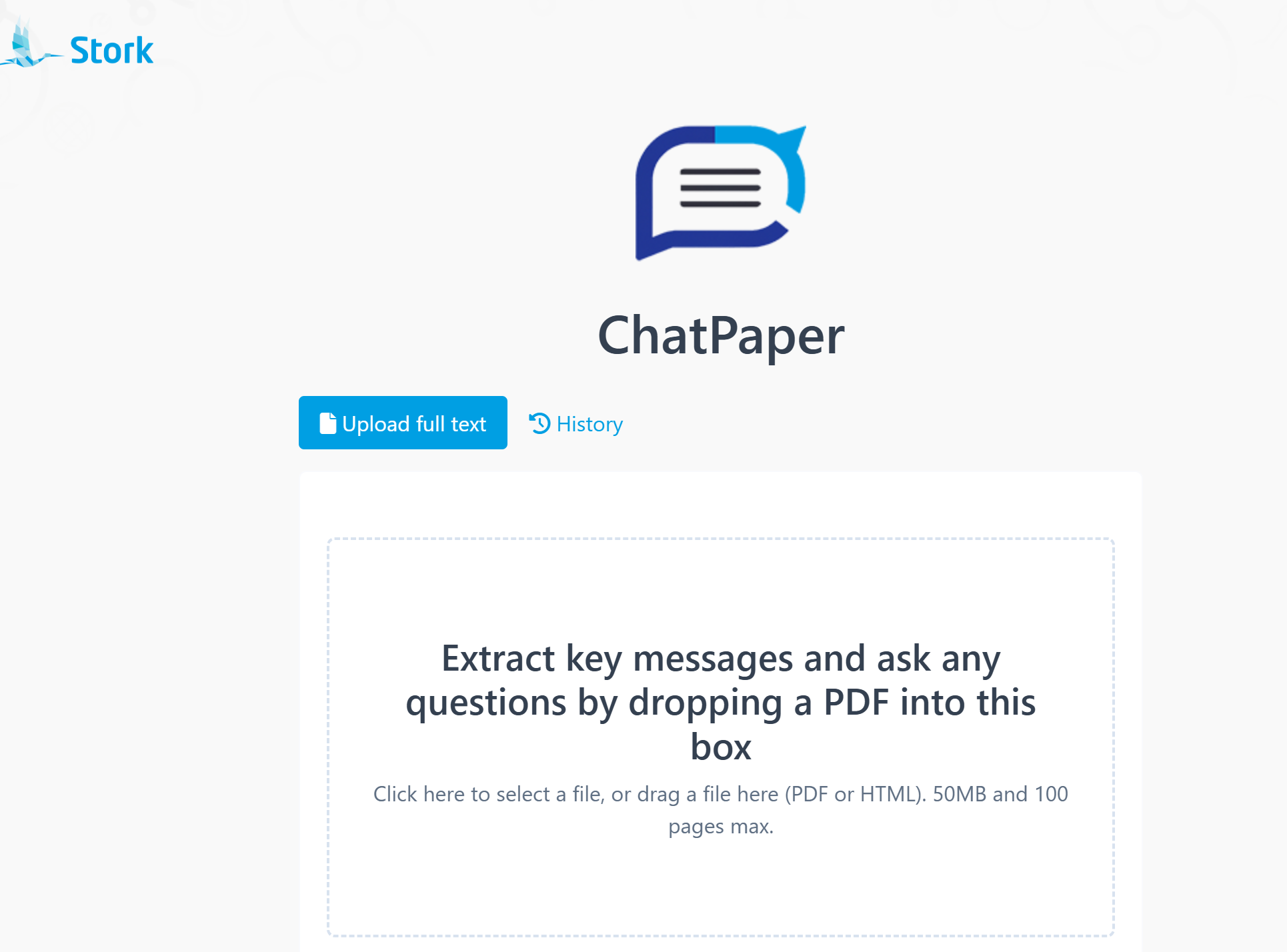
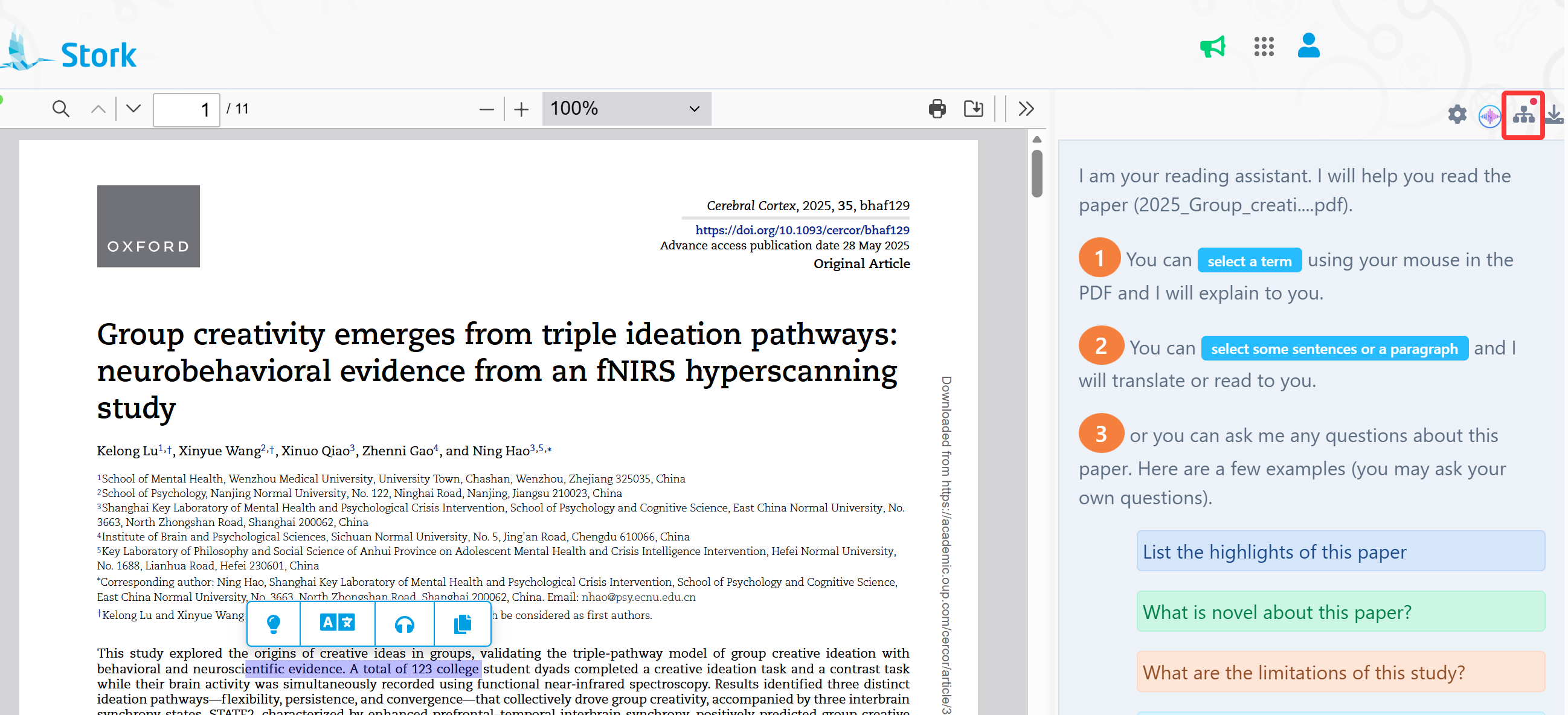
You can still ask questions, translate sentences, and let ChatPaper explain terms as usual.
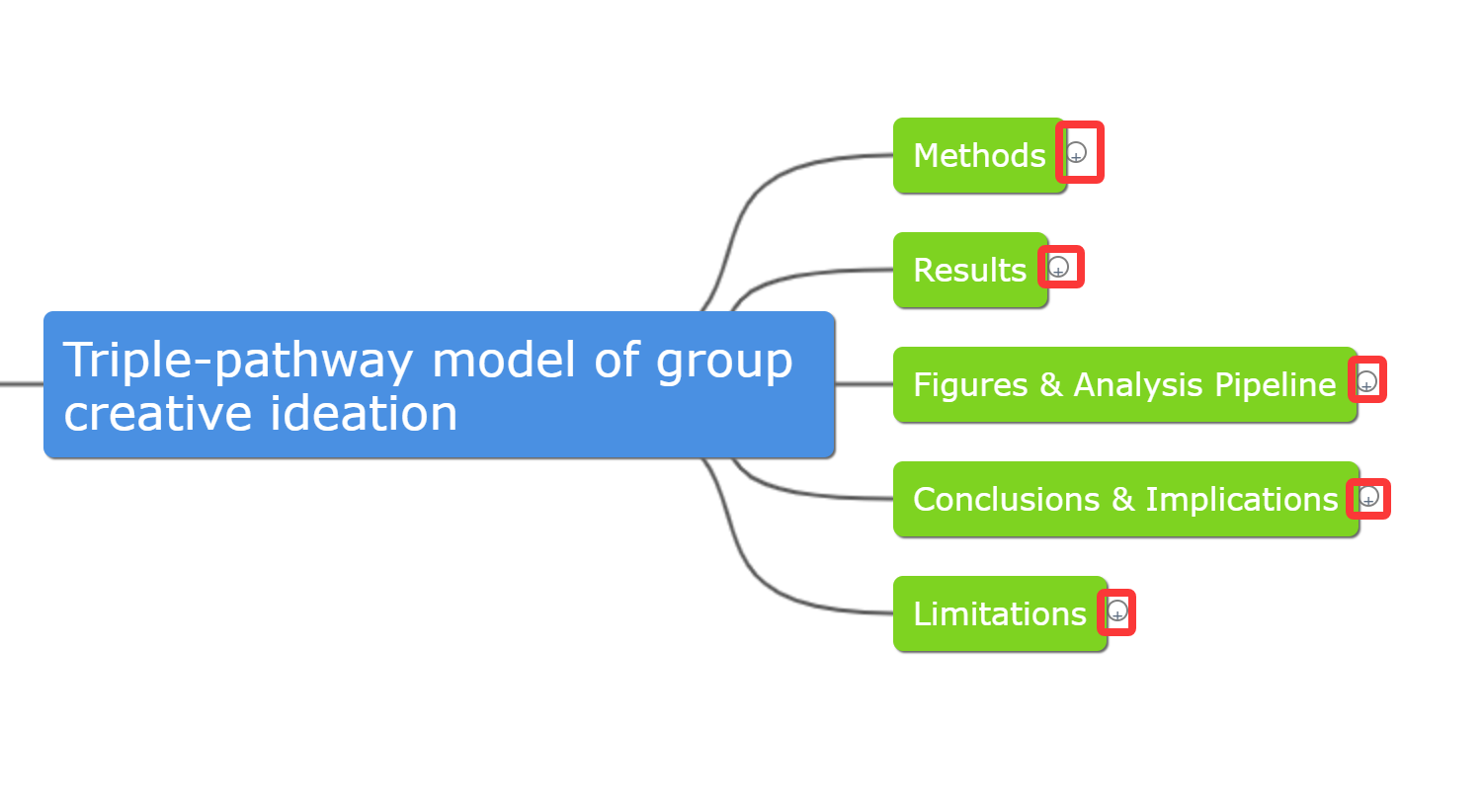
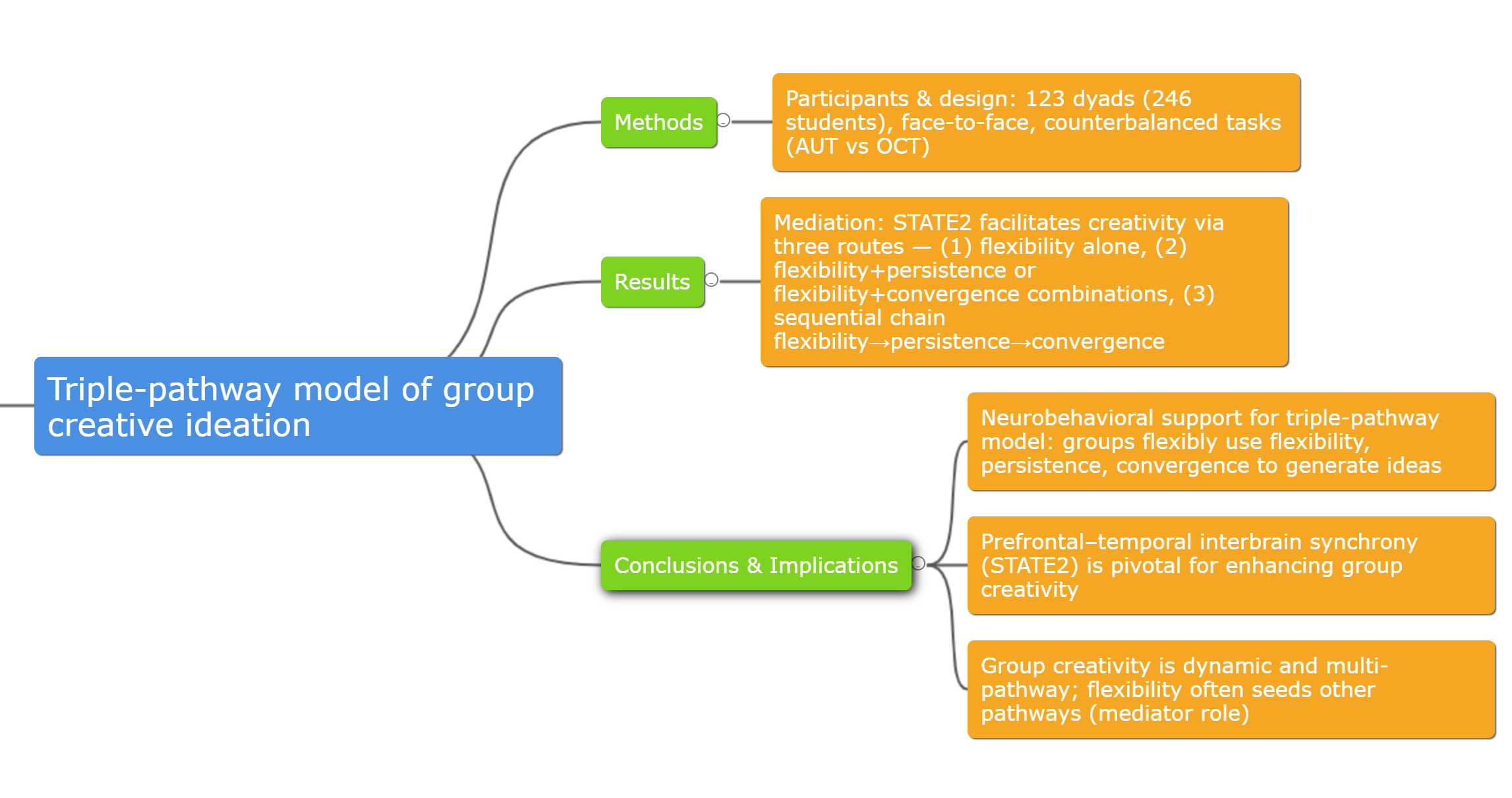
When you want the mind map, just click the Mind Map icon in the top right corner. ChatPaper will extract the structure of the paper—background, research questions, methods, key findings, and conclusions—and turn it into a clean, compact mind map.
You can expand or collapse each level by clicking the "+" or "–" icons.
The map is not only a quick summary—it can also be the starting point for your own notes.
-
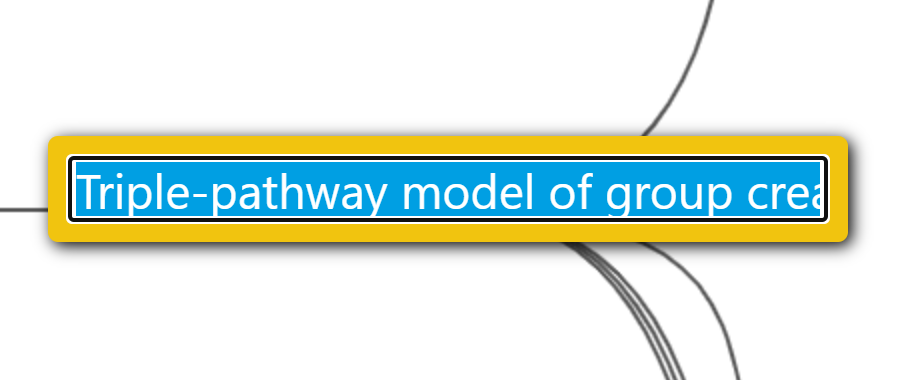
Edit text: double-click a node
-
Add a sibling node: select a node → press Enter

-
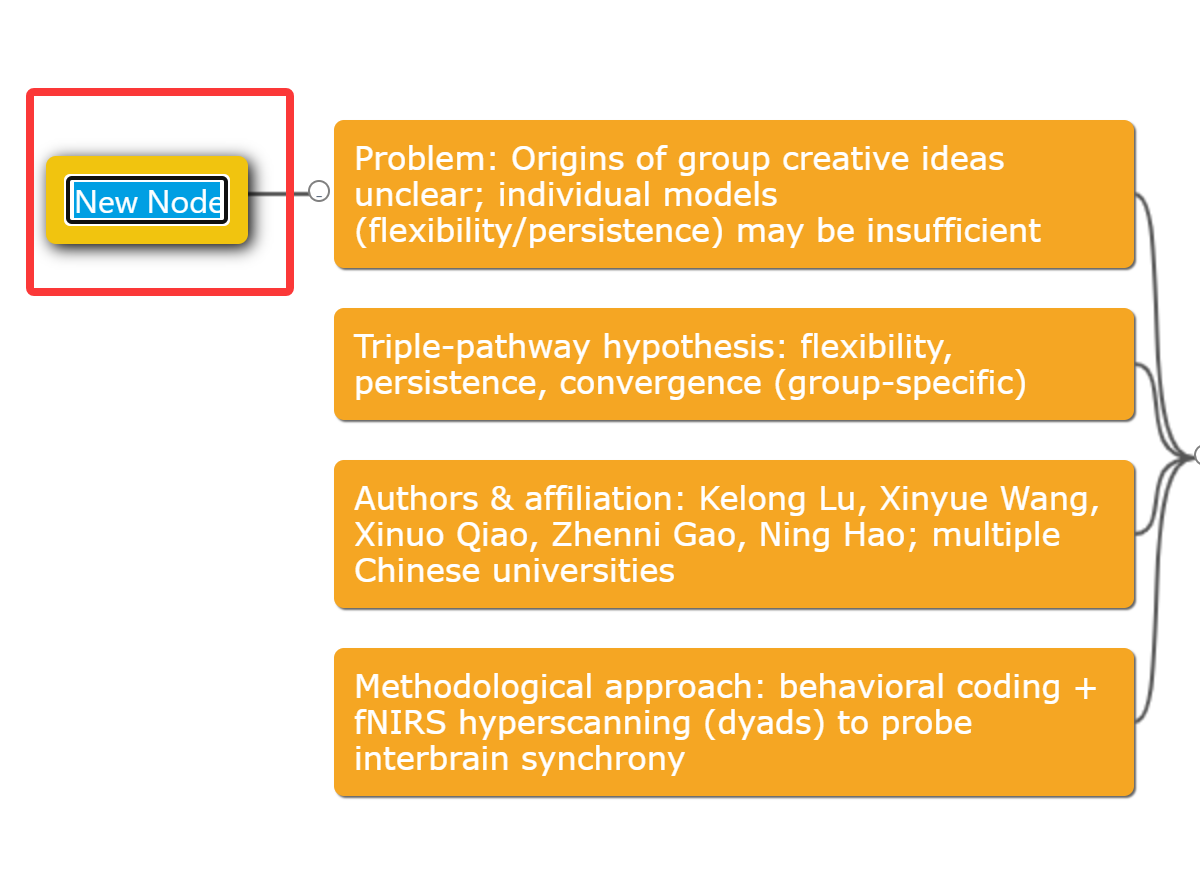
Add a child node or note: select a node → Ctrl + Enter
-
Delete a node: select the node → Delete
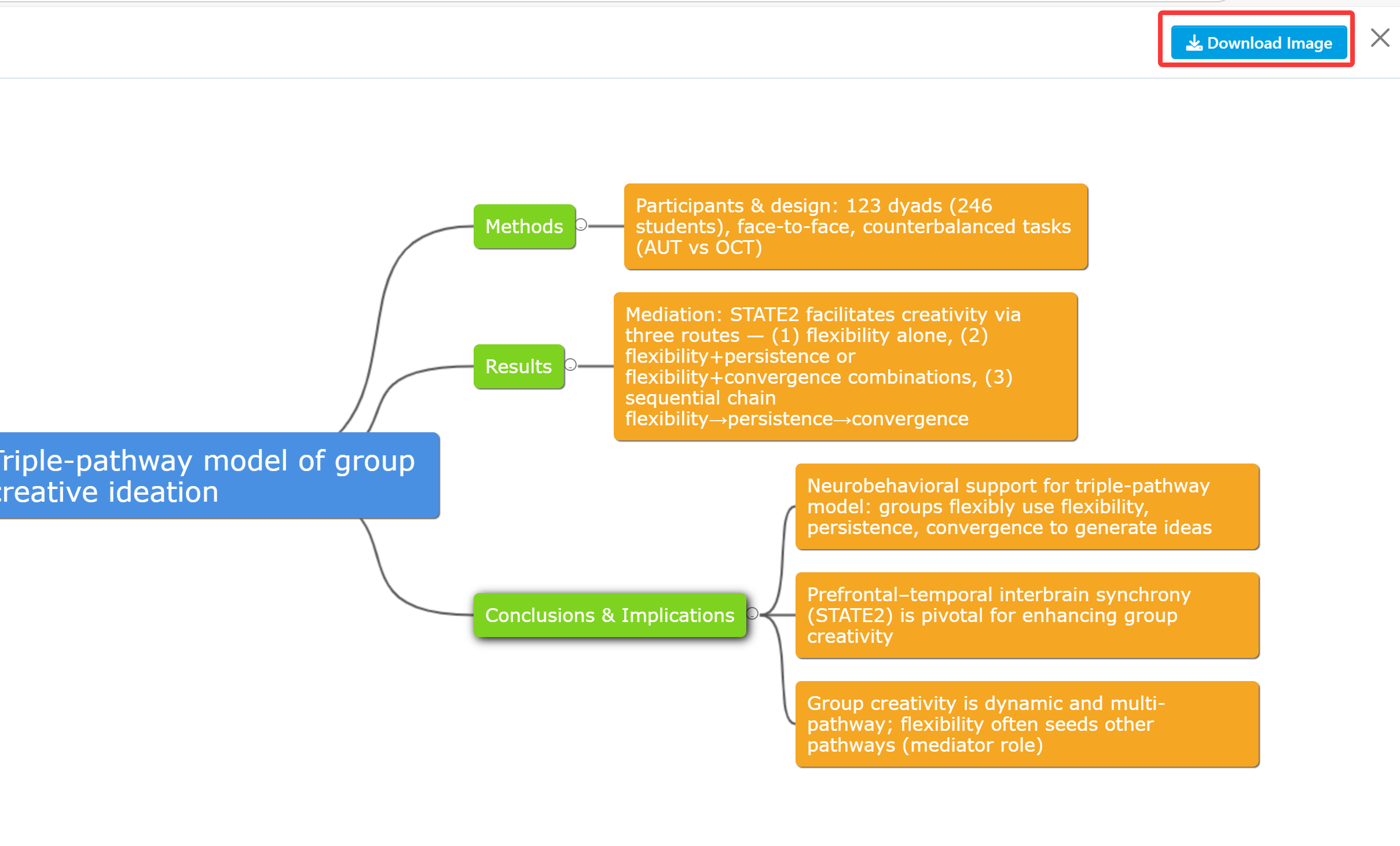
Click Download Image in the top right to save the mind map as a PNG file.
When you revisit the paper later, the map helps you recall the full structure and main conclusions within seconds.
Mind maps turn paper reading from a slow, heavy task into something clearer and more enjoyable. And you can put your focus where it really matters.
Give the new ChatPaper mind map feature a try!
【How to Use】
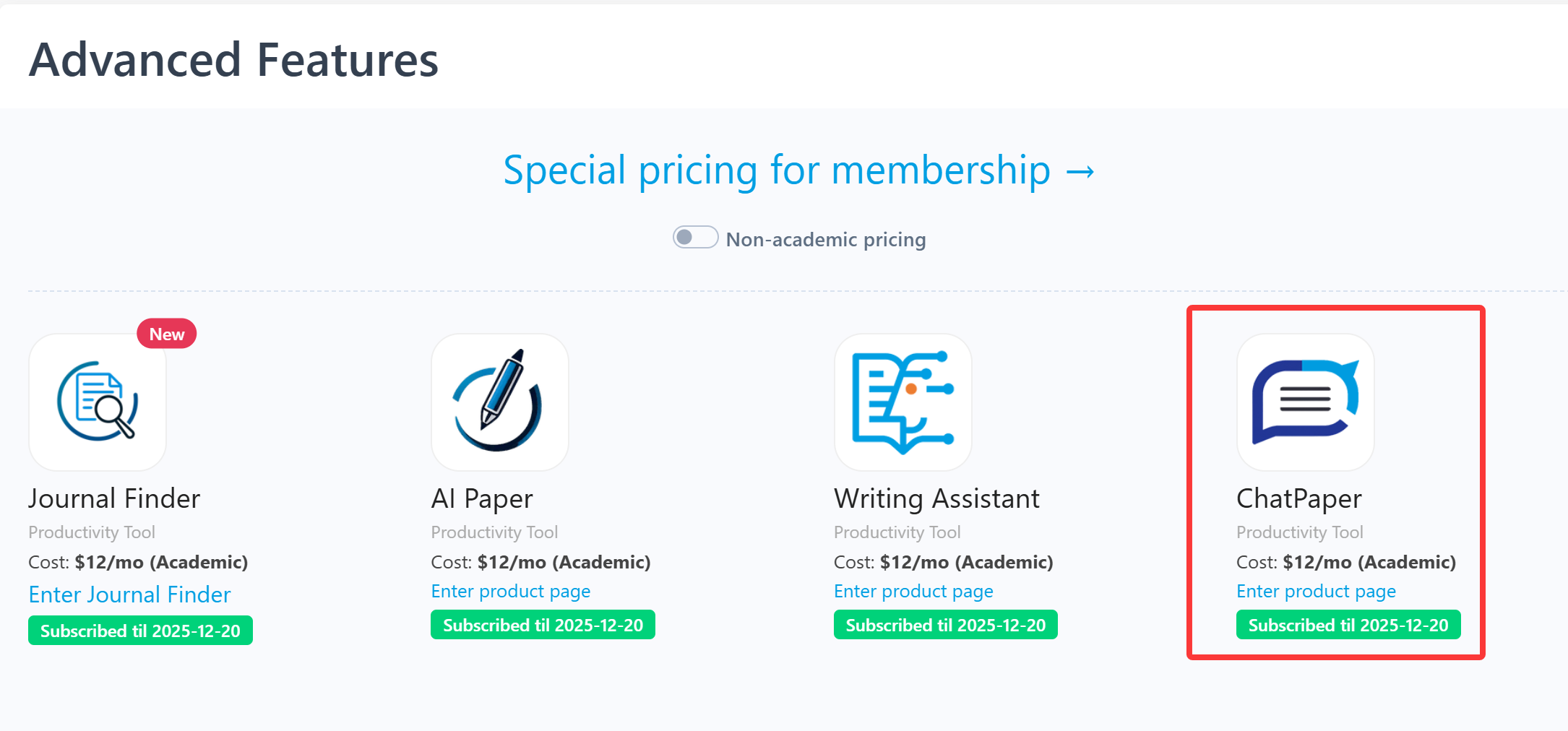
ChatPaper is an advanced feature offered by Stork (free trial is available). After registering/logging into Stork (https://www.storkapp.me), you can find ChatPaper under the "Advanced Feature" section. Then you can try it out or subscribe. Alternatively, you can visit ChatPaper website directly at https://www.storkapp.me/chatpaper/

写作助手,把中式英语变成专业英文
AI writing papers with real references