Stork文献鸟显示期刊的中科院分区

1 sec read

每天的新文献太多了,根本没时间读。怎么办?这时候就需要快速地甄别出重要文献。为了帮助大家做到这一点,文献鸟做了两件事情:

  1. 高亮标记了高影响因子的文献,并且文献按影响因子排列
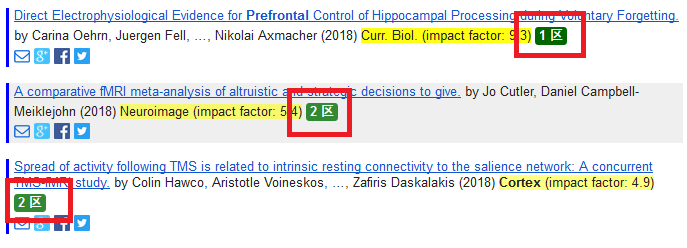
  2. 显示中科院期刊分区信息,并用不同的颜色标识不同分区

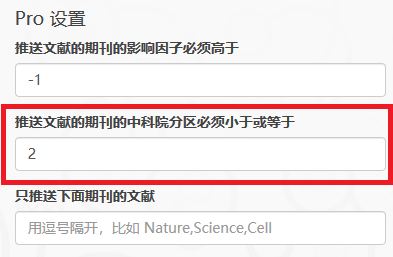
对于Pro用户,文献鸟还允许设置过滤分区。比如如果设置最大分区是2,则只有分区为1和2的期刊文献才会被推送,其它的会被自动过滤。

中科院期刊分区的显示
Pro用户可以设置分区过滤
如果需要购买Pro,可以单击这个链接

Stork官网地址: https://www.storkapp.me/


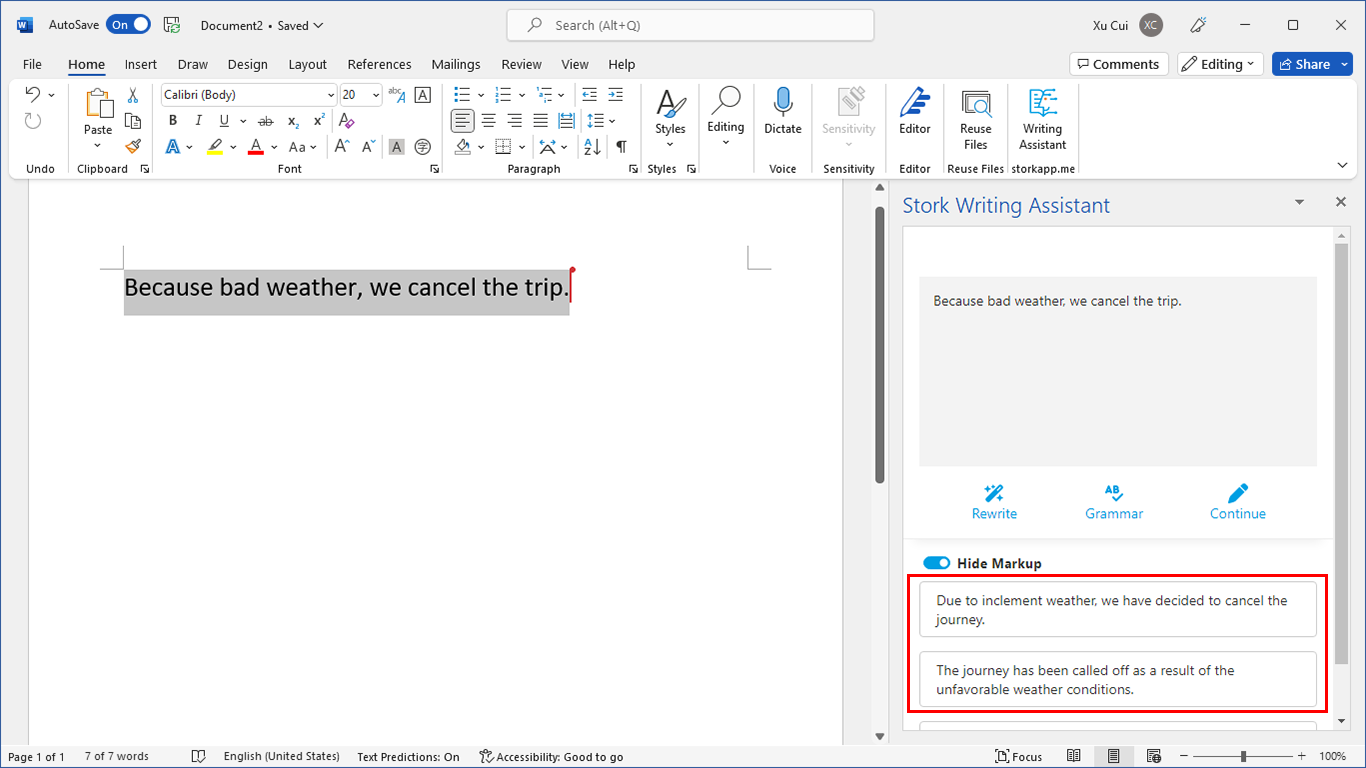
写作助手,把中式英语变成专业英文

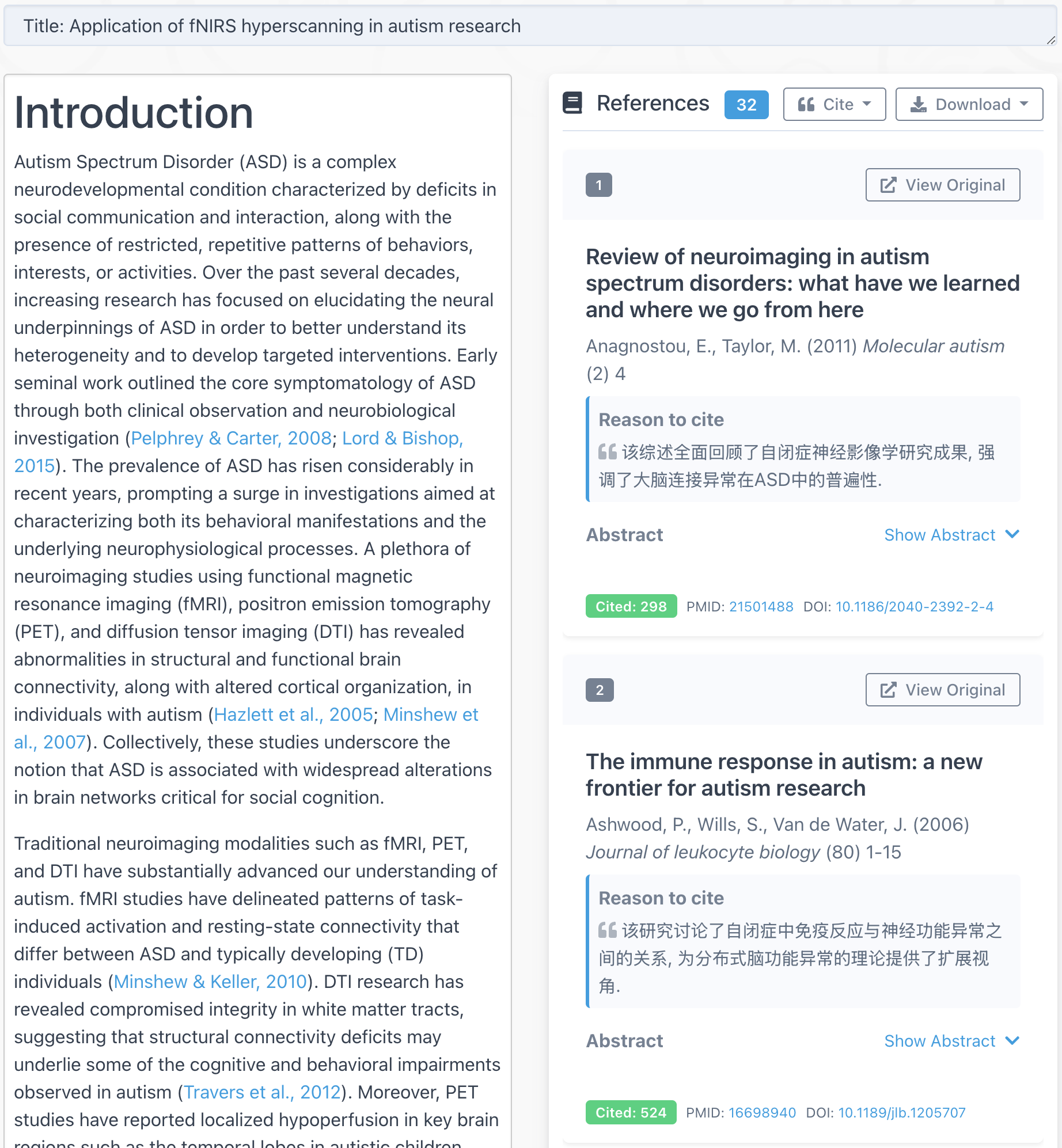
AI writing papers with real references

Want to receive new post notification? 有新文章通知我

Listen to Papers • Podcast Update: You Can Now…

TL; DR Stork's podcast feature now lets you view and edit the script before generating podcast, so you’re not just listening, you’re creating. Stork’s "Listen to Papers • Podcast" advanced feature has always been both fun and practical
Wanling Zhu
1 min read

AI Figure Update: Better Prompt Understanding, Better Figures

TL; DR Stork's advanced feature AI Figure has been updated: (1) Better prompt understanding: AI Figure now can interpret prompt more accurately and generate more precise visual elements. (2) More stable image quality during edits: images remain
Wanling Zhu
1 min read

【播客更新】允许查看和编辑脚本

懒人总结 文献鸟听文献的播客功能不仅可以将PDF或文本内容转换为双人对话音频,现在还支持查看和编辑脚本,您可以任意创作自己的播客内容。 文献鸟的听文献播客功能有趣又实用。想读的论文不用盯着屏幕看,直接
Wanling Zhu
3 sec read

Leave a Reply

Your email address will not be published. Required fields are marked *