
TL; DR
Stork's Reading Guide got smarter! No longer just a list of papers—it now synthesizes papers in coherent summaries, highlights key findings, and adds clear subheadings. Reading papers is faster and easier than ever.
Stork's free feature sends you the latest papers based on your own keywords. To make it easier for you to keep up the latest research, Stork has added:
-
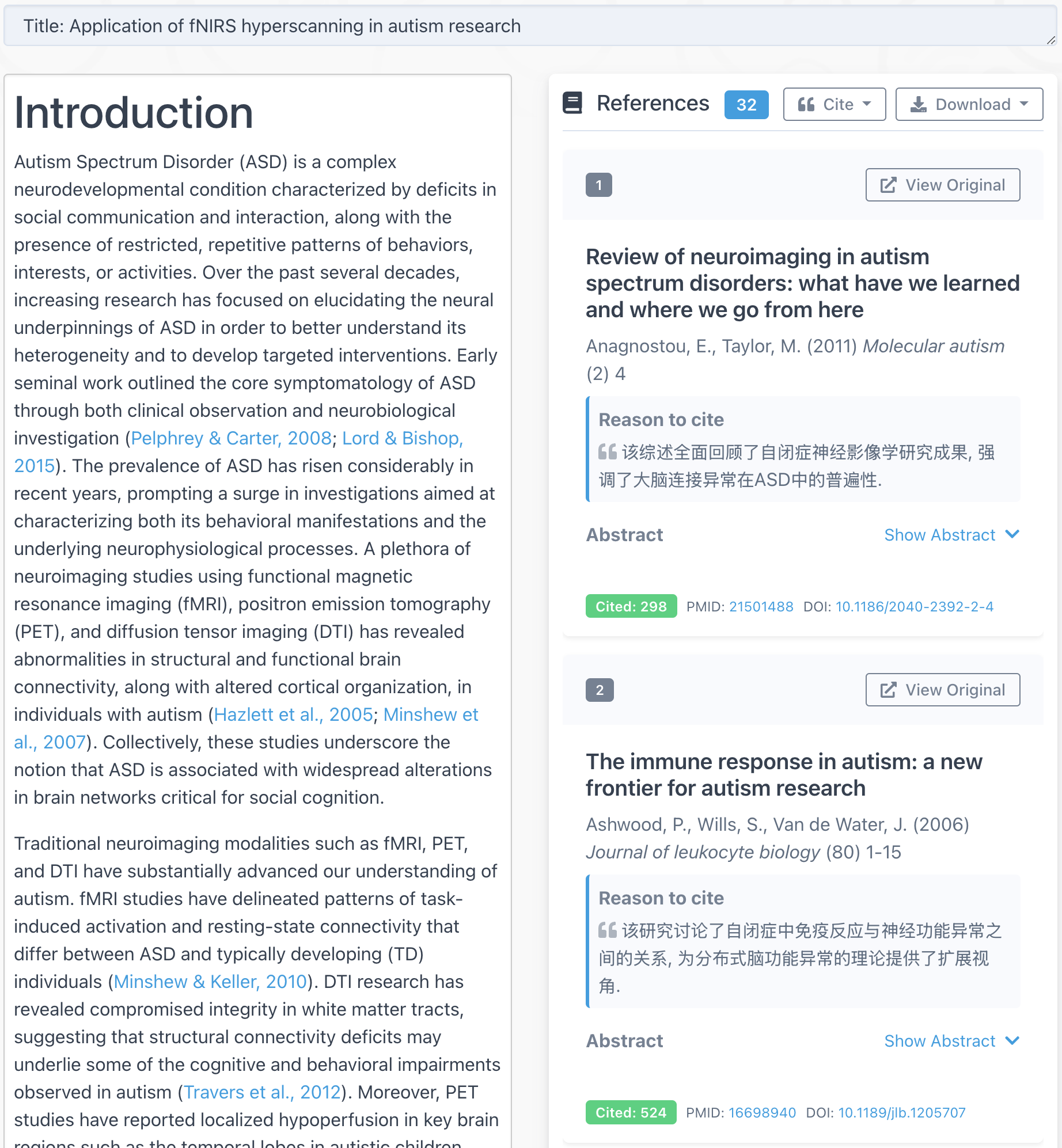
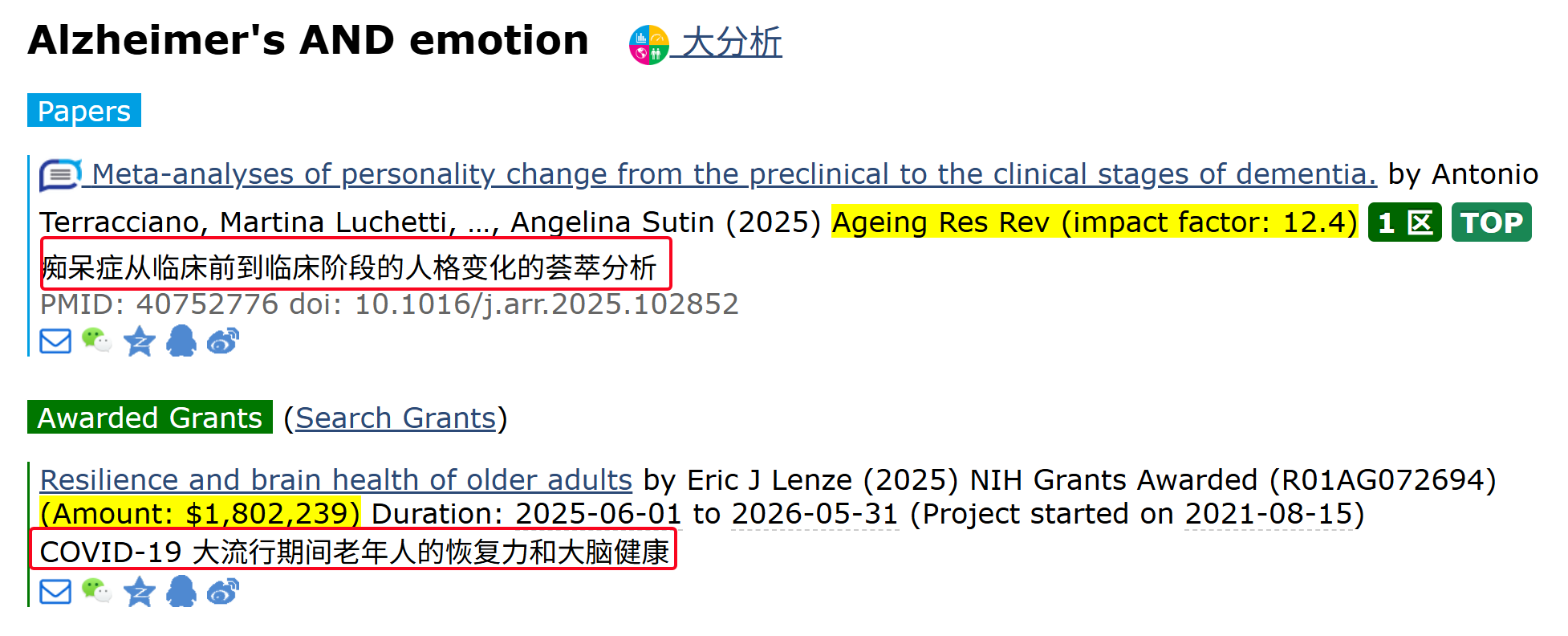
Translations of titles and abstracts into your language
-
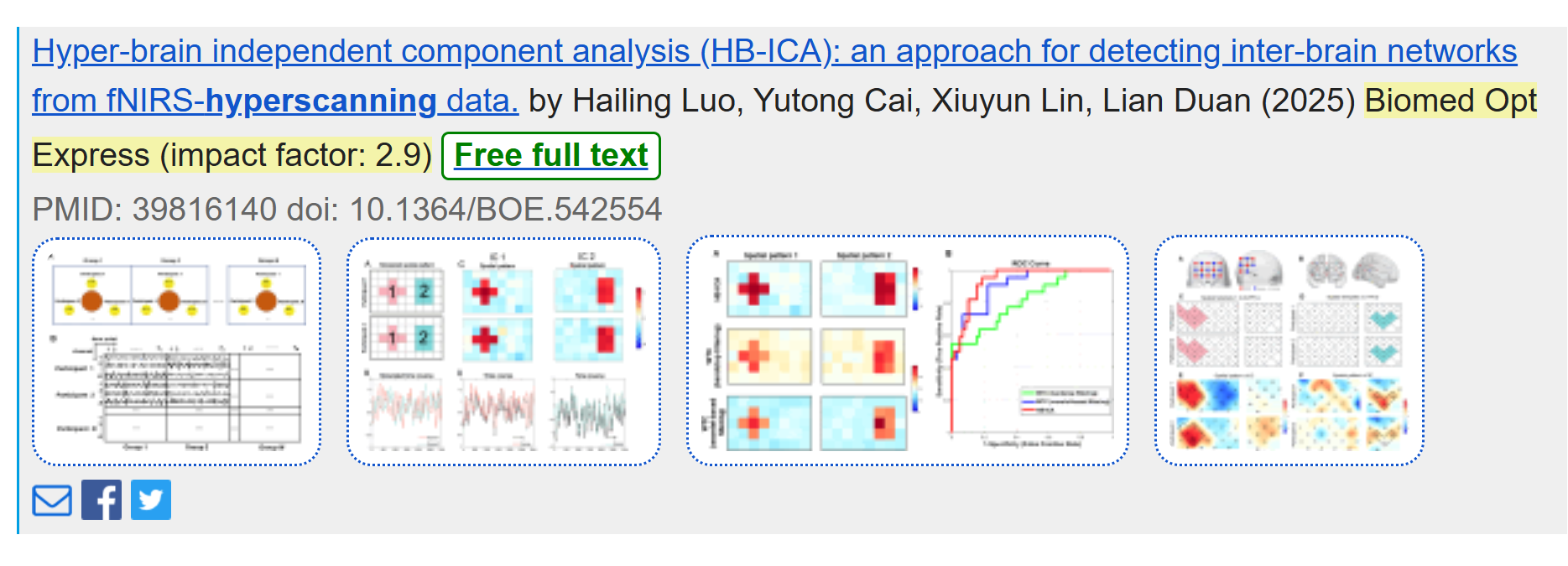
Figures for some open access papers showed in the alert emails
-
Reading Guide to help you quickly grasp the content
What's new in the upgraded Reading Guide?
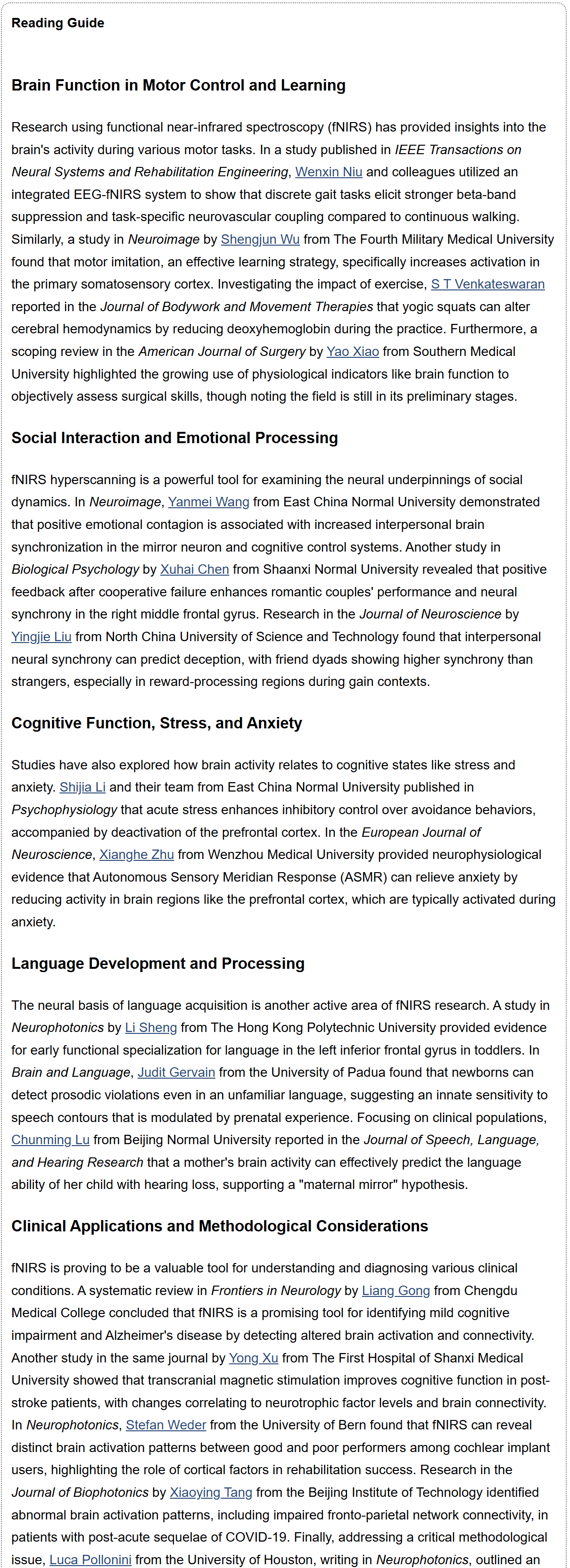
① More complete introduction
Each summary now mentions the research team and the journal. Example: “A study in Neurophotonics by Li Sheng from The Hong Kong Polytechnic University provided evidence…” You can also click the author's name to go directly to the article page.
②From “abstract summary” to “insightful commentary”
Reading Guide doesn't just restate methods and results—it points out the why it matters and how it was done, highlighting innovation, theoretical value, or practical implications.
③ New subheadings for clarity
Each topic begins with a short headline (e.g., “Brain Function in Motor Control and Learning”, “Social Interaction and Emotional Processing”), so you can quickly scan and focus on what interests you.
With denser information and a friendlier structure, the upgraded Reading Guide helps you cut through the noise and spot the most valuable studies in less time.
【How to use】
Reading Guide is part of Stork Pro, an advanced feature offered by Stork (free trial is available). After registering/logging into Stork (https://www.storkapp.me), you can find Stork Pro under the "Advanced Feature" section. Then you can try it out or subscribe. You can also subscribe to Reading Guide separately.
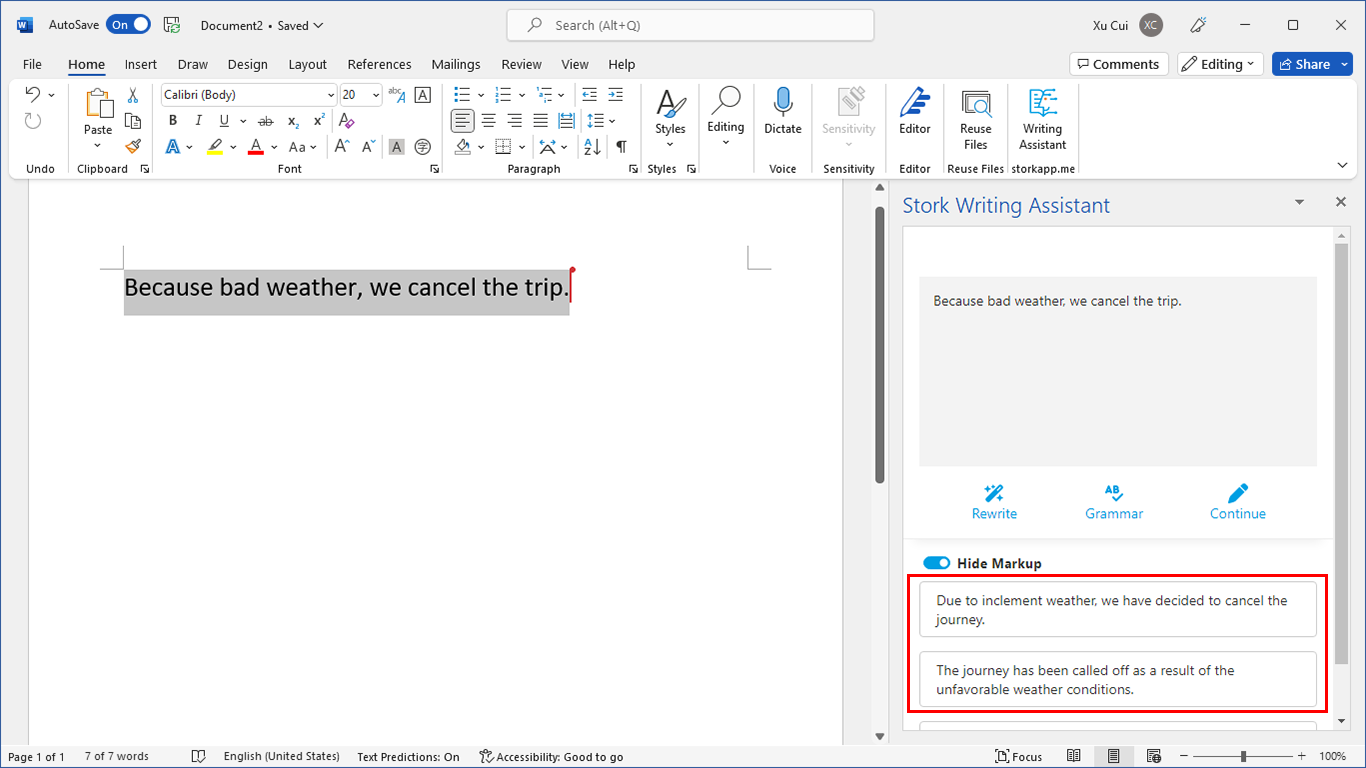
写作助手,把中式英语变成专业英文
AI writing papers with real references