
TL; DR
Stork's advanced feature AI Figure has been updated: (1) Better prompt understanding: AI Figure now can interpret prompt more accurately and generate more precise visual elements. (2) More stable image quality during edits: images remain clear and well-structured even after multiple edits.
When writing papers or preparing submissions, researchers often need to create figures. But making these visuals can take a surprising amount of time.
With AI Figure, you can quickly generate a research diagram and then refine it through follow-up instructions.
With the latest update, AI Figure does a better job of understanding prompts, and the images stay more stable through multiple edits.
Better prompt understanding
In earlier versions, some complex instructions could be interpreted imperfectly. The new version improves how AI Figure understands natural language instructions.
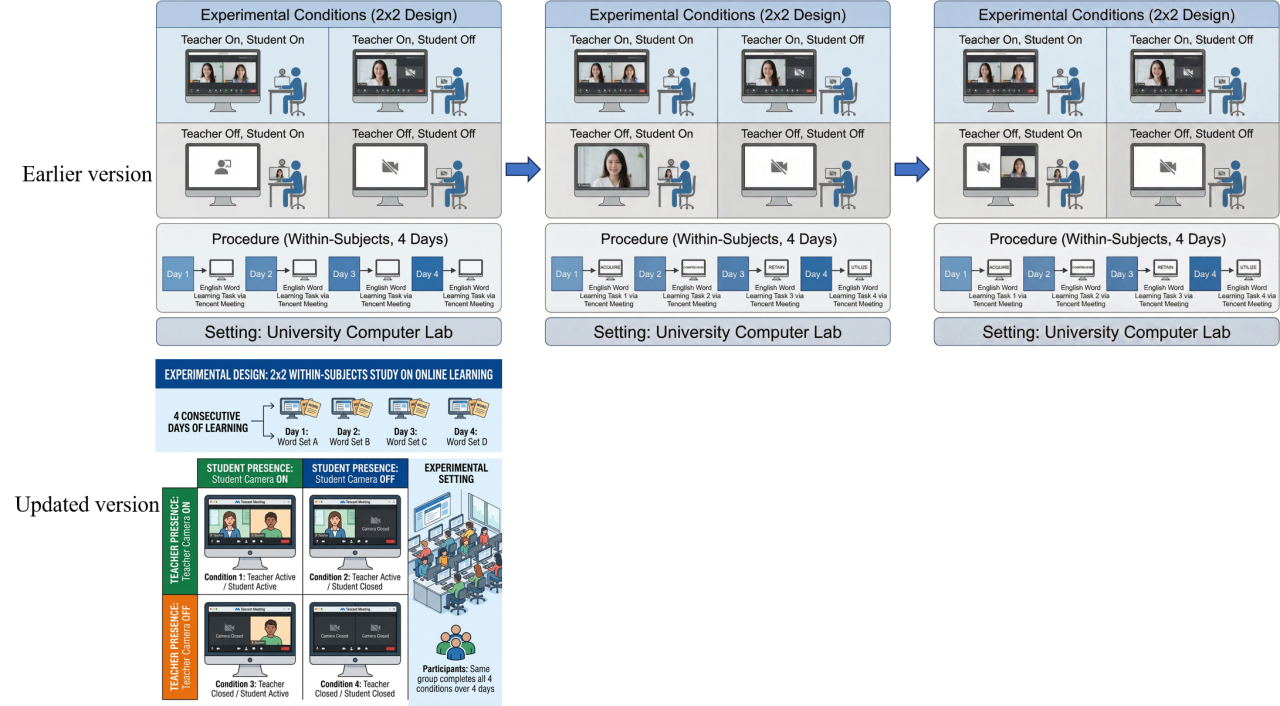
For example, imagine you want to draw a 2 (Teacher presence: camera on vs. camera off) × 2 (Student presence: camera on vs. camera off) experimental design.
The old version sometimes struggled to keep the teacher-on/student-off and teacher-off/student-on conditions symmetrical, even after a couple of edits.
With the updated AI Figure, the system understands the structure immediately and generates a clean, well-balanced experimental design diagram in one step.
More stable image quality during edits
Another major improvement is image quality. The images are better overall, and it also holds up better after multiple edits. That makes it much easier to keep refining the same figure without it becoming blurry or visually inconsistent.
The example below compares the old version (left) and the updated version (right), both after four rounds of editing.
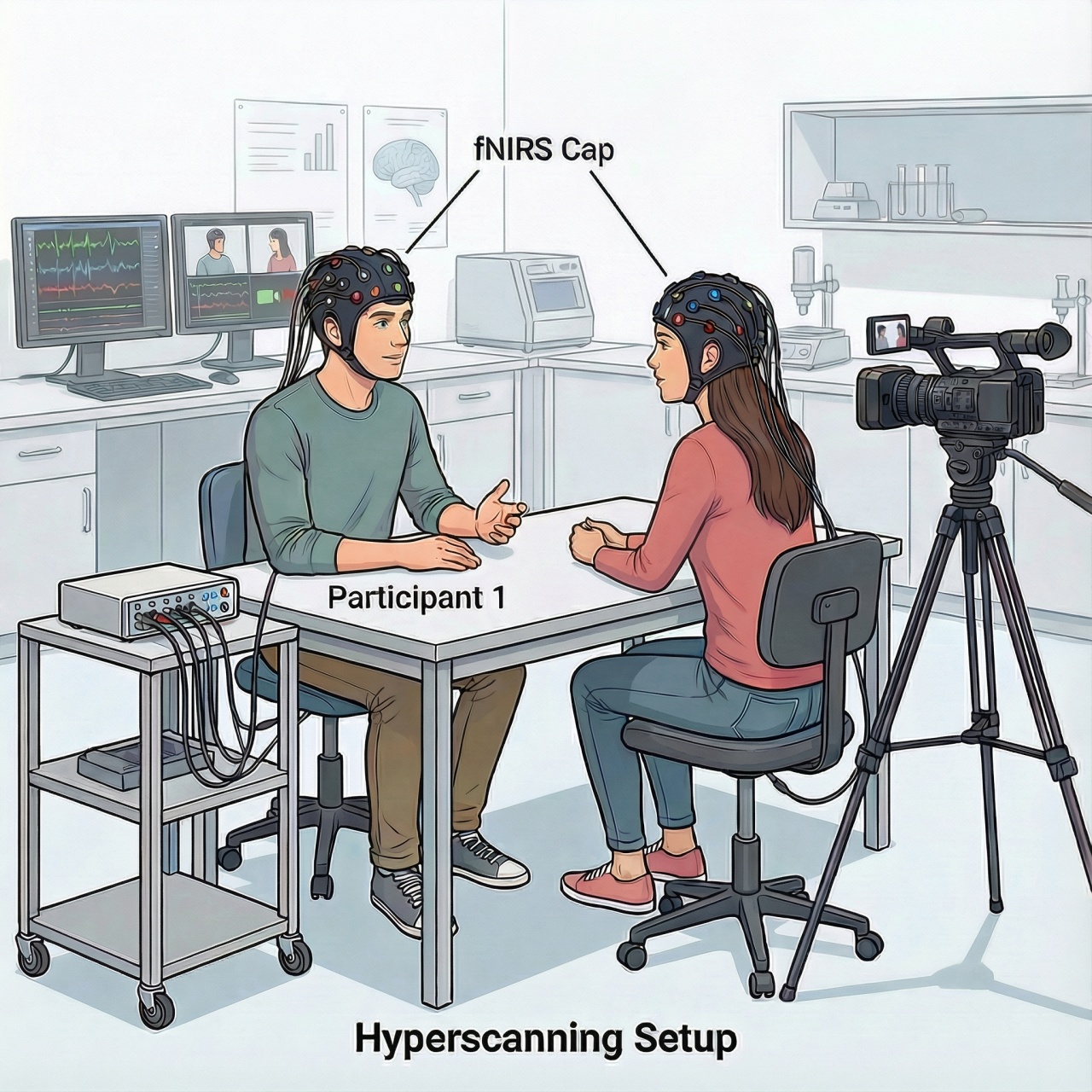
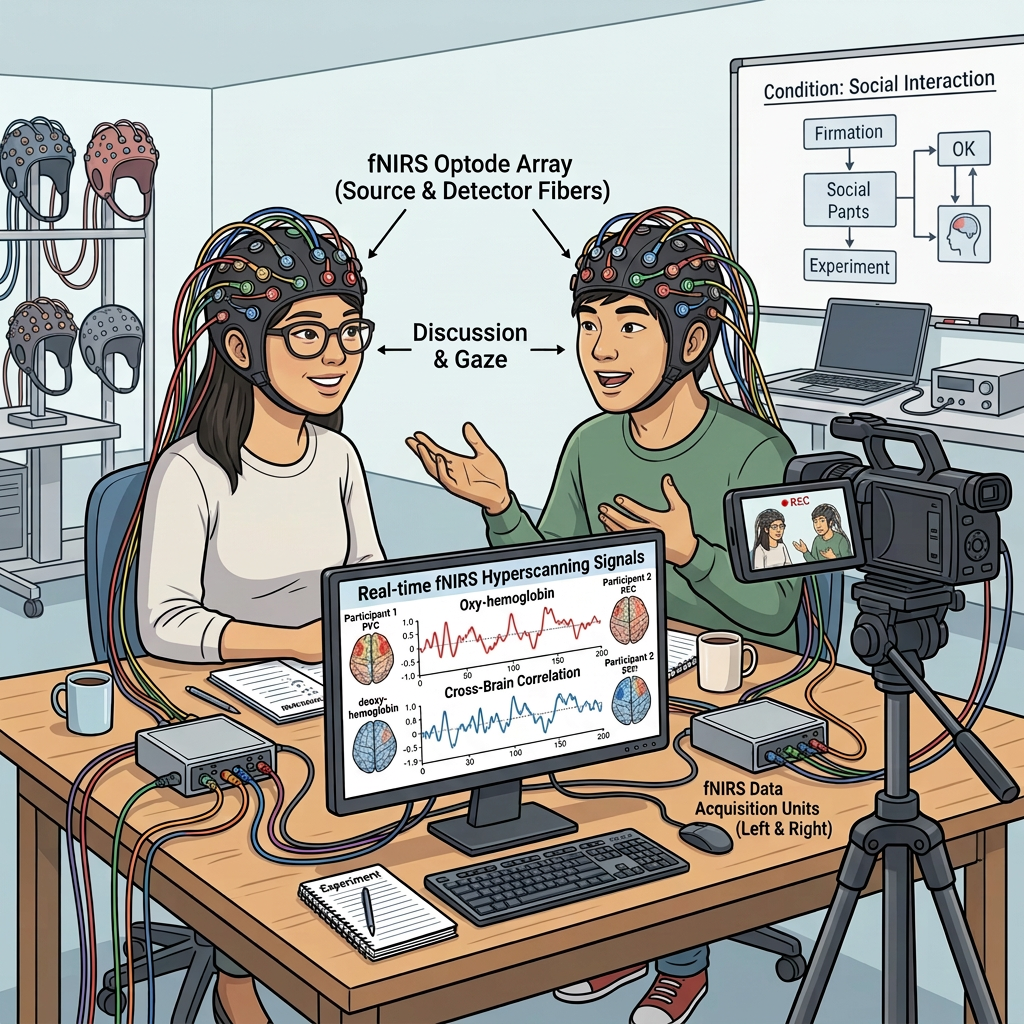
Overall, this update makes it much easier to refine research diagrams step by step. If you are working on scientific figures for a paper, proposal, or presentation, AI Figure is worth trying.
[How to use]
AI Figure is an advanced feature offered by Stork, which requires subscription (registered users can try 5 figures for free). After registering/logging in to Stork (https://www.storkapp.me), you can find AI Figure under the advanced features section. Then you can try it out or subscribe. Alternatively, you can visit the official AI Paper website directly at https://www.storkapp.me/aifigure/app.php

写作助手,把中式英语变成专业英文
AI writing papers with real references