
TL; DR
Stork's podcast feature now lets you view and edit the script before generating podcast, so you’re not just listening, you’re creating.
Stork’s "Listen to Papers • Podcast" advanced feature has always been both fun and practical. Instead of staring at a screen, you can simply put on your headphones and listen to papers while commuting, walking, or even cooking.
And it does more than just read papers aloud. When you upload a PDF, Stork turns it into a natural two-host podcast, making complex research easier to follow.
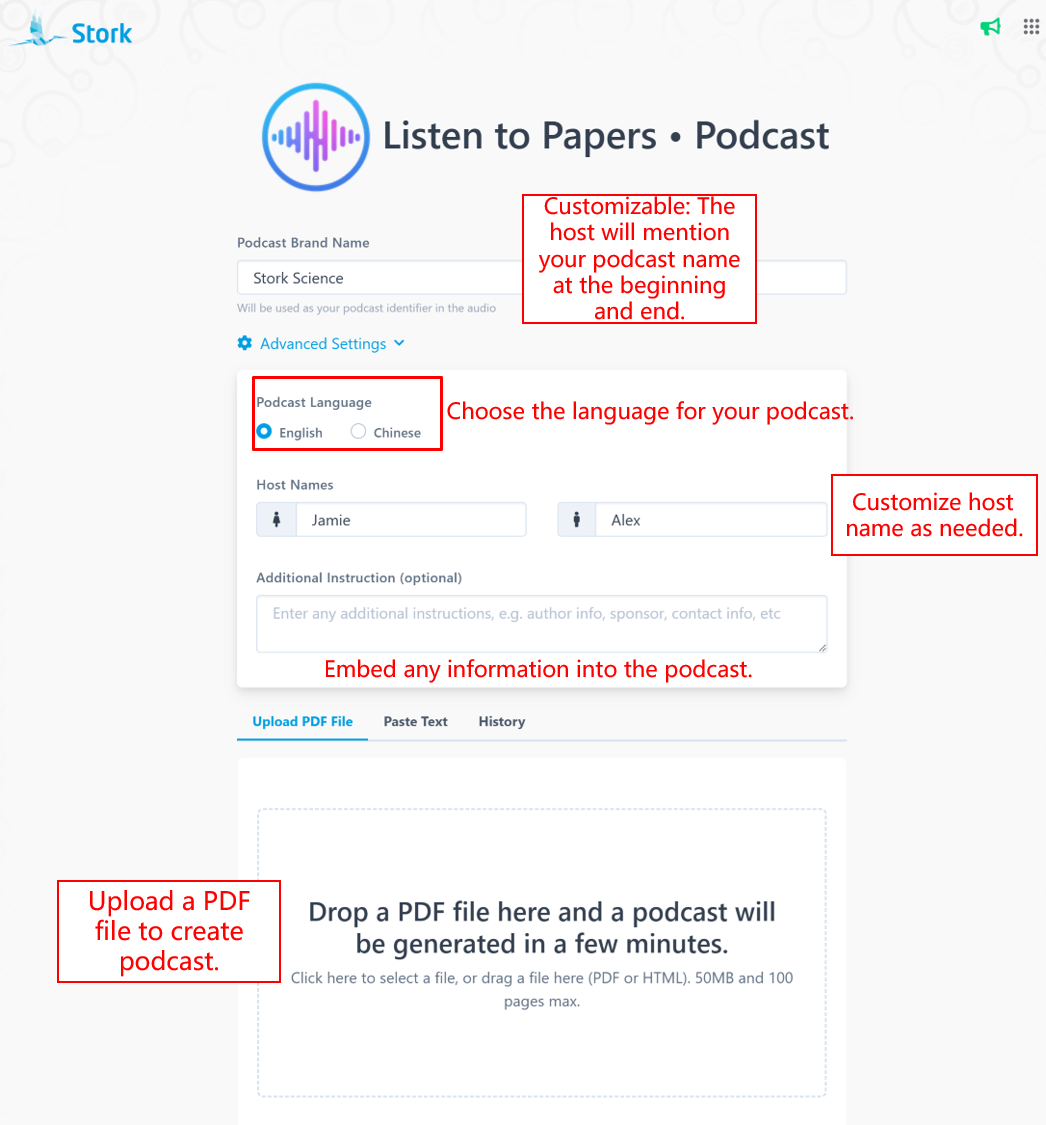
Now, before the audio is generated, you can preview and edit the script yourself.
After you upload a PDF or text, Stork first generates a script for preview and editing. Once your edits are done, click [Generate Audio] to turn it into the final podcast.
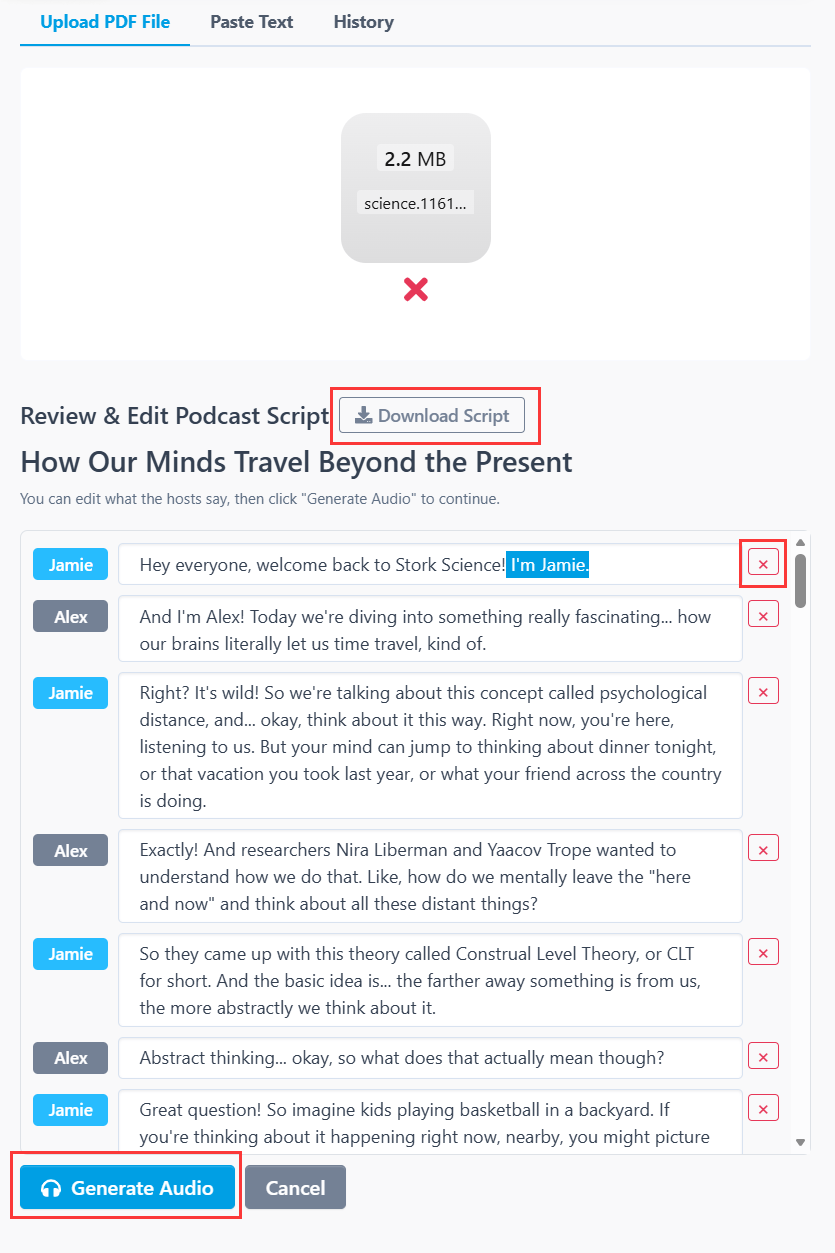
This update gives you more control over the content and opens up more ways to use it:
-
Understand papers more easily. Listen to key ideas in a lighter, more accessible format.
-
Create your own academic podcast. Edit the script and turn it into content you can share on social media.
-
Use it in teaching. Teachers can adjust the script based on their lesson goals and use it as classroom material.
We hope you enjoy creating with Stork Podcast.
[How to use]
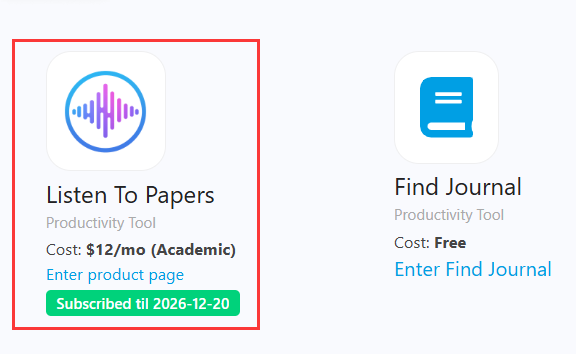
"Listen to Papers • Podcast" is advanced feature offered by Stork, which requires subscription (free trial is available). After registering/logging in to Stork (https://www.storkapp.me), you can find "Listen to Papers • Podcast" under the advanced features section. Then you can try it out or subscribe. Alternatively, you can visit "Podcast creation" website directly at https://www.storkapp.me/podcast/

写作助手,把中式英语变成专业英文
AI writing papers with real references